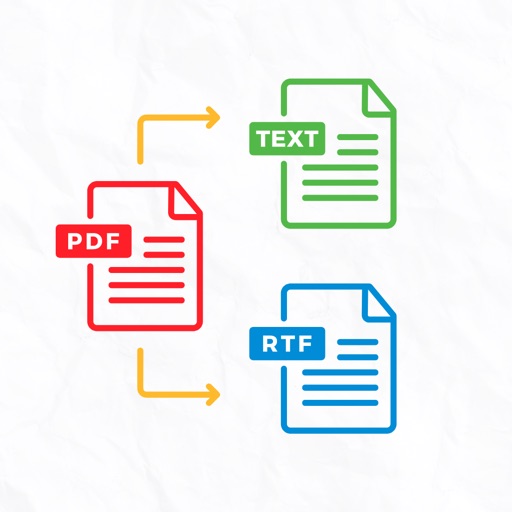
Convert documents to PDF by scanning with the iPhone camera. Automatically detect and crop document edges. Save as PDF or image formats. Share scans directly via email or messaging.
Convert documents to PDF, multiple files into one, and manage PDFs directly on iPhone or iPad. Edit text, add watermarks, and extract pages. Save and share files without internet connection.
Scan documents to create high quality PDF, JPG, or TXT files. Save and organize scanned files in a digital folder. Share documents via email or messaging apps. Convert and edit text within scanned files.
Digitize and manage documents with advanced scanning tools. Convert papers to PDF, edit text, add annotations, and organize files. Share documents securely and access them across devices.
Digitize documents like contracts, receipts, and notes into PDF or JPEG files. multiple items at once and combine them into a single PDF. Adjust image clarity and crop edges for better readability. Export and share scanned files directly.
Scan documents and detect text using OCR. Save files in PDF, JPEG, Word, or TXT formats. Share scanned documents directly. Edit and annotate scanned pages. Organize files in folders. Export as editable text or images.