Document Scanner: PDF Doc Scan
And export documents in multiple formats
Nadim Radjab
iPhone Screenshots


Description
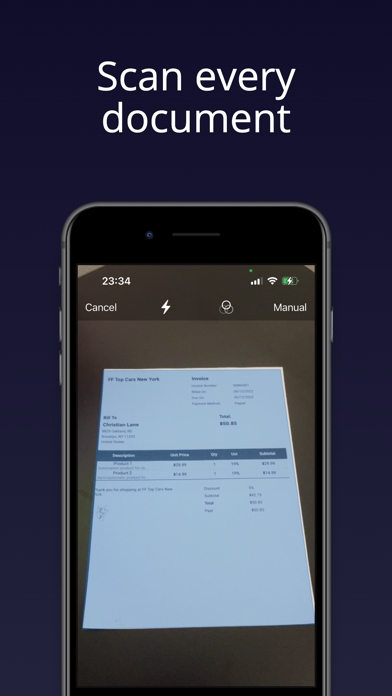
Digitize documents like contracts, receipts, and notes into PDF or JPEG files. multiple items at once and combine them into a single PDF. Adjust image clarity and crop edges for better readability. Export and share scanned files directly.
Get the Simple Document Scanner app now and turn your phone into your personal digital office. Digitize the files you need – contracts, tax forms, tickets, receipts, handwritten notes, assignments – and export them as the most common file formats!
Scanning:
- Scan anything - receipts, pictures, notes, business cards, contracts, fax papers, and books with precision and turn them into PDF or JPEG files.
- Batch scanning - scan as many as you like and save the files as one PDF.
Image Optimization:
- Automatic border detection.
- Preview, crop, rotate, adjust color and resize the PDF or images.
- Remove and edit imperfections, marks, creases, and even handwriting.
- Sign the scans manually or add a signature from an image.
- Generate docs with advanced picture processing filters.
Organize & Share:
- Organize your files with custom folders.
- Share documents by email attachments or clouds.
- Print PDF files, such as contracts and invoices, right from the scanner app.
If you have any questions regarding the document scanner app, please contact us at [email protected],
or https://www.nr-cop-apps.com/
Terms Of Use: https://simplecv-nr.netlify.app/terms-document-scanner
Privacy Policy: https://simplecv-nr.netlify.app/privacy-document-scanner