Apps Like Wpixel - make pixel image for iPhone and iPad
Convert photos to art instantly
Convert photos into art illustrations by selecting an or capturing one. Tap the conversion button to generate the -style artwork automatically. No complex settings or technical knowledge required.
by Hung Le★ 4.746 ratingsEntertainmentFreeData updated 2026-09-06
Create artwork using text prompts and style choices. Generate unique images in seconds. Explore various artistic styles. Save and share finished pieces. Edit and refine generated art.
Create and edit AI-generated art and videos. Upload images or videos to generate new content. Refine and enhance artwork with advanced tools. Export and share final creations directly.
Generate AI artwork by typing text prompts and selecting from various AI art styles. Create unique photos and videos instantly. Edit and share generated content directly.
Create art with a simple interface. Tap to draw and access basic tools for designing SNS icons, game skins, or craft patterns. Export artwork for use in perler beads, cross-stitch, or knitting projects.
Create a virtual avatar using a selfie or model photo. Try on clothing from any store for realistic fitting. Build a wardrobe with style options, wishlists, and shopping features.
Create personalized greetings with frames, cake designs, stickers, and fonts. Add photos to cakes or customize names. Edit and share messages with text and decorative elements.
Record and analyze performances to determine . Provide feedback on pitch and tone. Suggest artists with similar ranges. Offer interactive exercises to improve singing technique and control. Track progress over time.
Create art by selecting colors and filling in grids. Choose from pre-designed artworks or design custom pieces. Save and share completed projects. Access a library of free art templates. Adjust color palettes and grid sizes for different projects.
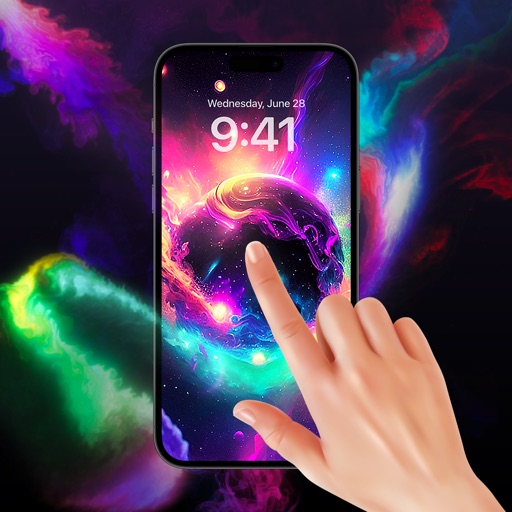
Set home screen wallpaper with HD live themes. Apply animated backgrounds with sparkling effects and color variations. Customize lock screen with high-quality images and dynamic animations.
Convert photos and videos to art with 30+ styles and 10+ effects. Record art videos directly or apply the style to existing clips. Save results as videos, live photos, or gifs. Adjust settings to customize the pixelation effect.
Allows playback of all formats including MKV, AVI, MP4, 3GP, and MPEG. It supports multi-track audio and subtitles. Auto-rotation and aspect ratio adjustments are available. Files can be synced from a computer via iTunes or iCloud Drive.
Explore a magical with interactive princess characters. Dress up and care for dolls. Play games and collect items. Unlock new areas and characters. Complete quests and earn rewards. Share progress with friends.
Explore 500+ thought-provoking to deepen conversations. Swipe through prompts to spark discussions. Share answers and reactions. Discover new perspectives and connect with others. Track progress through themed question packs.
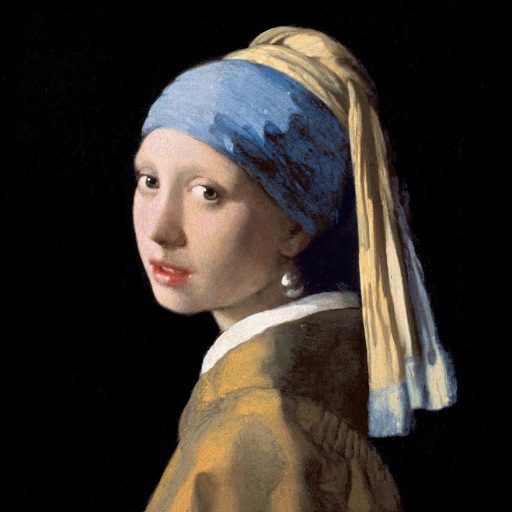
Color the art versions of famous paintings. Choose from a weekly updated collection of artworks. Remove ads and unlock unlimited through the Amuse Museum Club. Save and share completed drawings.
Chengdu Everimaging Science and Technology Co., Ltd
Rt from text or photos
Upload photos to convert into cartoon avatars with one click. Use AI art from text to create unique paintings and drawings instantly. Apply AI filters to transform photos into artworks styled like Van Gogh, Monet, or Picasso.