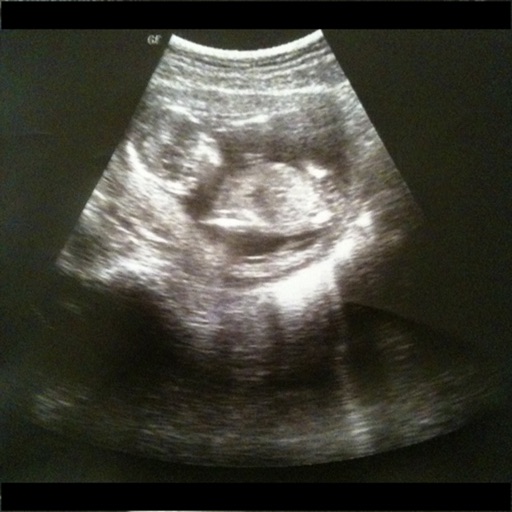
The app tracks labor contraction times, durations, and frequency. It also includes a Fetal Kick counter, a weight tracker, and a pregnancy reference section.
Count repetitions with a tap on the screen. Reset for new sets and view previous sets. Track exercises with double-tap reset. No ads, no sign-in required.
Track with single-touch activation. Log tasks, projects, studies, workouts, sleep, and child activities. View daily, weekly, and monthly statistics through diagrams and graphs. Manage usage and set activity goals.
The app generates random numbers with customizable options and speech synthesis. It offers a history of generated numbers and supports unique number generation, suitable for various selection needs.
Track with one-tap start/stop functionality. Log activities and view bar or pie charts for distribution. Set goals and monitor progress. Sync data across devices. Export reports and analyze productivity trends.
Track elapsed since events and milestones. View habit frequencies and set reminders. Visualize intervals with charts and graphs. Export data for analysis and planning.
Track items with manual entry and editing. Monitor count changes over time using a graph. Export data as CSV for external reporting. Filter time series data on the graph.
Perform workouts with interval timing, track remaining time for each exercise, and view current names. Choose music from your library. Sync with Apple Watch and use Siri for control.
Generate by selecting a frequency and starting playback. Set a timer to stop audio at a specified time. Customize colors and icons to match personal preferences. Mix ambient sounds like rain with for a calming effect.
Monitor and manage NAS server tasks and system status. View uptime, system health, firmware version, CPU, RAM, and disk usage. Control and track DS tasks from an iOS device.
Track working hours, breaks, and project details automatically. Log notes and generate detailed reports. Create invoices and manage tax reporting. Sync across devices and share logs with clients or teams.