Faces in images using AI-powered tools. Replace faces with celebrities or characters. Edit headshots for professional quality. Create memes and avatars. Adjust facial features and expressions. Export edited images directly.
Sensitive data in videos by applying advanced blurring techniques to faces, text, or personal information. Edit projects with auto-saving, delete or create new projects, and manage edits with one-click actions. Export edited videos directly.
Edit photos and videos for social media with adjustable crop ratios and aspect ratios. Save edited content to device and share directly. Create Instagram stories with customizable and add hashtags. Generate collages with multiple image layouts.
Remove unwanted areas from images or PDF files using precise cropping tools. Stitch multiple images or PDF pages together. Export cropped content as JPEG, PNG, or PDF to the Photo Library or other apps.
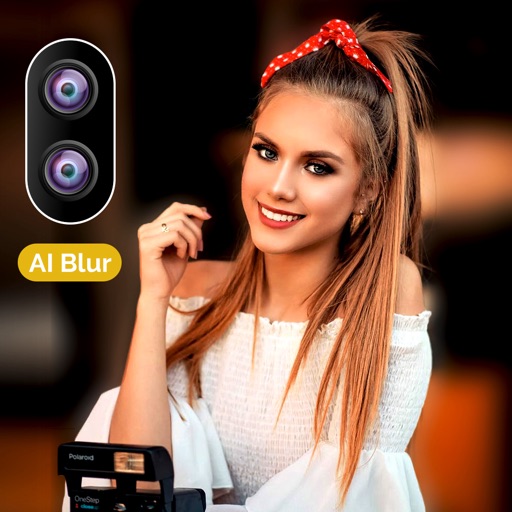
Allows users to apply effects to backgrounds. Select images from the gallery or capture new photos. Use multiple blurring tools to adjust the effect. Export edited images directly.
Edit photos with neon, shadow, and synthetic effects. Adjust brightness, contrast, and color. Add text, stickers, and transparency. Apply blur, cartoon processing, and halftone patterns. Invert colors and use copy-paste tools.
Automatically blurs faces, usernames, profile pictures, and sensitive text in screenshots. Users can share content across apps like iMessage, Instagram, WhatsApp, and Facebook while protecting privacy.
Scroll to capture images for web pages or chat logs. Automatically splice chat records into continuous screenshots. Manually edit and combine screenshots without altering original content. Export edited screenshots directly.