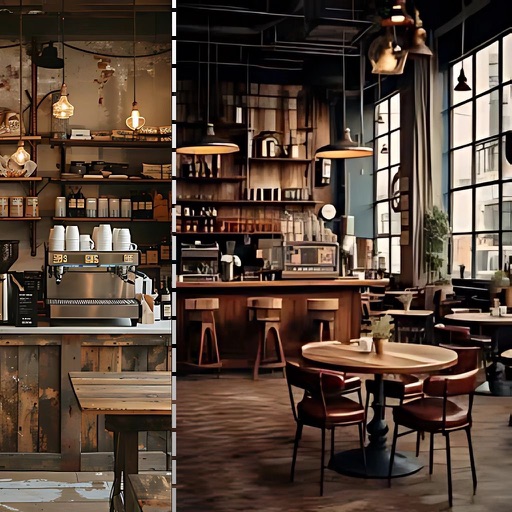
Create 3D designs by uploading photos. Choose from various types and styles. Drag and drop furniture to arrange layouts. Customize colors and materials. View realistic renderings and save designs for future reference.
Upload a photo of your space and use AI to generate realistic interior design concepts. Choose colors, layouts, and furniture styles to customize designs. Save and compare different layout options to visualize your ideal setup.
Create realistic designs with drag-and-drop furniture
Create photo-realistic designs by dragging and dropping over 2000 furniture and material items. Test material combinations or import custom textures. Generate 3D views and adjust lighting and colors. Save and share plans.
Generate concepts from a single room photo. Choose from multiple color schemes, furniture layouts, and decor styles. Adjust lighting and materials. Save and share ideas. Collaborate with others on projects.
Create 2D floor plans and 3D models of spaces. Add furniture, choose textures, and customize layouts. Rearrange elements to visualize designs. Export plans and share with others.
Create 3D designs using LiDAR scanning and Smart Draw tools. Add furniture and decor from a library. View designs in augmented reality. Measure spaces and adjust layouts in real time. Export plans and share designs with others.
Create realistic for empty rooms using AI. Add furniture, decor, and design styles. Adjust lighting and color schemes. Save and share results for property listings.