Edit photos with 25 tools and effects. Adjust brightness, contrast, and saturation. Save progress and undo changes. Share edited photos to social networks. Preserve EXIF data and edit geo-location. Export high-resolution images up to 3000x3000.
Create AI-powered videos from text prompts. Apply trendy effects and filters. Experiment with liquid metal and artistic styles. vatars that speak. Export and share videos directly.
Capture photos with film effects including dust, scratches, retro colors, flicker, light leaks, and frame shake. Adjust exposure, contrast, and color balance. Export images in various formats and share directly.
Capture effects and styles to enhance photos. Apply adjustable sensitivity for color and intensity control. Access additional modes like Cyberpunk and Matrix for creative effects. Export edited images in various formats.
Create self-portraits with various art styles such as watercolor, oil painting, and wire craft. Apply live effects or modify existing photos. Choose from multiple canvases and unique effects like droplet.
Edit photos with HDR effects, filters, and detailed adjustments. Enhance images with powerful lighting and contrast tools. Save and share edited photos in various formats.
The app processes iPhone camera preview in real time with effects like sketch, sepia, and thermal camera. Users can choose front or rear cameras and save or share photos.
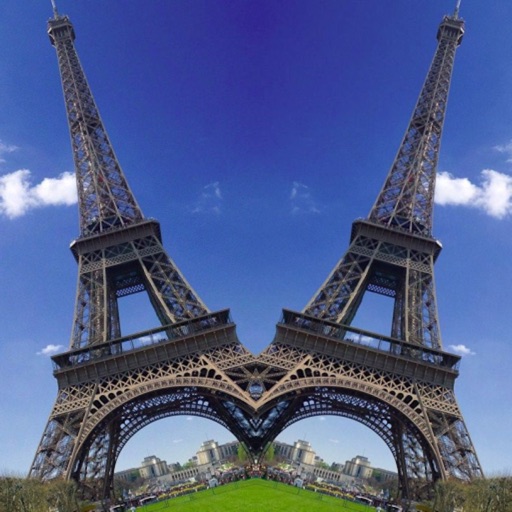
Take photos and apply distort, duplicate, or transform effects to create funny face images. Preview live filters before capturing. Create photos, videos, or animated GIFs with the 's effects.
UploadCam automatically stores and organizes photos and videos on Google Drive, Dropbox, OneDrive, or Box. Users can draw on images, annotate with custom descriptions, dates, times, and locations.
Apply live filters to enhance photos with effects. Adjust color tones and add vintage textures. Share edited images directly to Instagram. Save and view photos with analog-style filters.
APPAS SOLUTIONS, SOCIETATEA CU RASPUNDERE LIMITATA
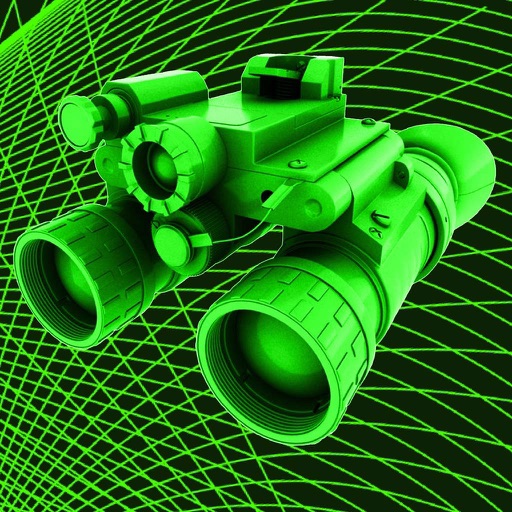
Capture low-light scenes with infrared and thermal
Take photos in low light using three modes. Capture infrared, X-ray, and thermal effects. Zoom in with binoculars and apply temperature effects. Adjust settings for optimal visibility in environments.
Edit photos with PIP frames, collages, and creative layouts. Add crystal bottle patterns and cartoon styles. Share edited photos directly to social media. Adjust brightness, contrast, and colors. Crop and rotate images.