Create custom 8-bit pixel art characters, items, and scenes by typing prompts. rt in classic 8-bit style. Edit and download generated images. Share creations directly from the .
by Adham Nadi★ 5.01 ratingsGraphics & DesignFreeData updated 2026-09-06
Create art by describing ideas and selecting reference images. AI generates artwork based on input. Edit generated images with tools like adjusting colors, adding text, and exporting in various formats.
Create digital artwork by inputting prompts and selecting artistic styles. Generate images in seconds. Design a personalized AI avatar by customizing appearance and style. Upload and modify artwork directly.
Generate charts by typing AI prompts or selecting types. Create scatter plots, bar graphs, and other visualizations. Import data files to customize charts. Export images in various formats and share directly.
Create designs using AI-generated sketches based on text prompts. Select from various styles and customize details like placement and size. Export designs in multiple formats and share directly.
Convert selfies into AI-generated art, cartoon portraits, and headshots. Create stylized posters, anime avatars, and 3D toy versions. Edit and refine generated images. Export and share final artwork.
Generate cohesive designs from text prompts, including key visuals, banners, and cover art. Maintain consistent style across outputs. Combine image, video, and 3D tools in one platform. Export files for various uses.
Capture low-light scenes with enhanced exposure and LiDAR depth sensing. Adjust RGB color channels and use histogram-based enhancement. Access classic green mode for improved visibility in dim environments.
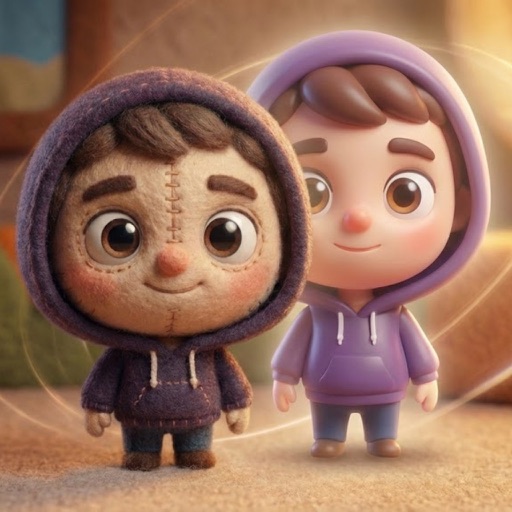
Convert photos into AI-generated cartoons, caricatures, and artistic portraits. Choose from 15+ styles including 3D characters, clay motion, paper cut-out, pixel art, and marble sculpture. Edit and export results directly.
Create AI-generated art, anime, and cartoons from photos or text. Transform images into cartoon styles or generate unique visuals. Edit and customize AI-generated images. Export and share finished artworks.
Create images using AI prompts with multiple advanced models. Apply preset styles like Chibi, Anime, and Fantasy Art. Generate characters, artworks, and game assets. Export images in various formats.
Translate text in real-time using camera or photo input. Recognize and translate text from documents, menus, signs, and chat images. Provide accurate translations in seconds. Share translated text or save as .
Use AI to generate designs based on user ideas. Adjust styles, materials, and details. Export designs for manufacturing or 3D printing. Share creations with others.
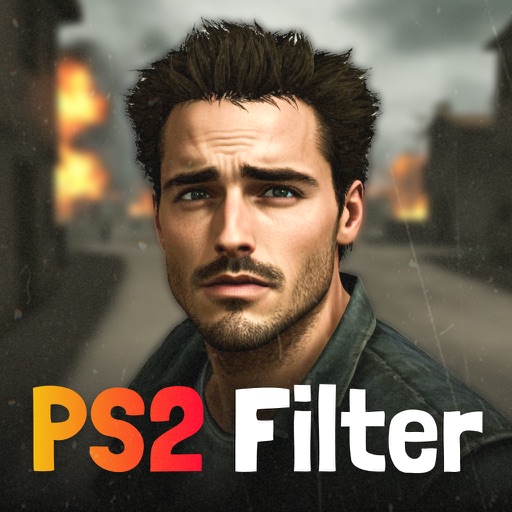
Convert images and videos to emulate retro computer and console visuals. Apply pixel art filters for Commodore 64, IBM PC, ZX Spectrum, Amiga, Atari ST, Sega Mega Drive, Game Boy, and more. Adjust color palettes and resolution settings.
Create and edit art with intuitive controls. Use advanced tools for detailed modeling. Import and export models in formats like VOX, OBJ, and JPEG. Move, rotate, and duplicate voxels. Cut, copy, and paste parts of models.
Install and use -style in compatible apps like Word, Excel, and Cricut. Preview within the and customize text colors. Share formatted text via message or social media with a single tap.