Edit photos with AI style transfer for different art effects. Apply 12+ professional filters. Save high-resolution edits to the gallery with one tap. Use a clean, ad-free interface for simple image styling.
by 玉猛 周★ 4.832 ratingsLifestyleFreeData updated 2026-09-06
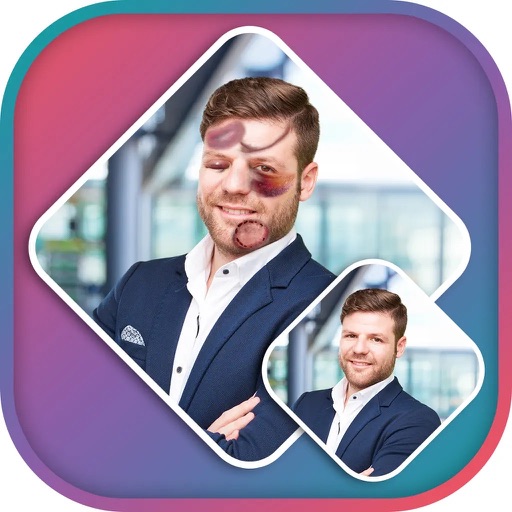
Apply effects to photos using pre-designed styles and stickers. Add -themed overlays and effects. Edit and save modified images directly. Share edited photos through integrated sharing options.
Use AI to visualize Asian-inspired hairstyles tailored to straight or wavy hair. Input preferences for style, length, and color. Generate high-quality previews of hairstyles.
Upload photos of your space to generate ideas. Experiment with different styles, colors, and decor items. Preview virtual furniture arrangements and color schemes. Adjust layouts and materials for personalized recommendations.
Organize photos into curated albums. Apply filters and frames. Add stickers and backgrounds to create custom designs. Track developmental milestones with timeline features. Access exclusive templates and weekly sticker updates with Pro subscription.
AI Photo improves blurry, old, or low-quality images using AI to remove blur and enhance details. Image restoration tools repair damaged photos. Facial analysis evaluates beauty with accuracy. Users can adjust brightness, contrast, and color.
Take photos with a variety of film-style filters applied randomly. Adjust brightness, contrast, and saturation. Share edited photos directly to social media or messaging apps.
Create slideshows with photo filters, transitions, and background music. Add text overlays and select from various templates. Export to Instagram, Facebook, YouTube, or email. Share directly or save as video files.
Enhance selfies with AI-powered hair volume filters to fix thinning areas and boost volume. Smooth skin imions and reduce wrinkles using advanced filters. Edit photos for dating profiles or social media with customizable beauty enhancements.
Generate professional headshots from a single photo
Generate professional headshots, dating photos, or social media portraits from a single image upload. Adjust skin tone, hair, and makeup details for natural results. Export in high quality and share directly.
Edit photos with filters, presets, and effects. Add text and stickers. Explore curated locations and maps for photography. Share edited content directly. Sync with social media platforms.
Organize and arrange photos and frames with AI assistance. Use Layout Planner to map walls, Style Matcher to pair frames with decor, and Spacing Guide to balance spacing. to adjust setups, fix gaps, and create cohesive displays.
Set home and lock from curated categories like cute, nature, and sports. Choose high-resolution HD images. Apply filters and adjust brightness. Save and set directly from the .
Edit photos with custom filters, line drawing tools, and mosaic effects. Add text and image stickers with adjustable colors and fonts. Crop images using custom ratios. Share edited photos directly.
Create and customize using a sticker maker tool. Access weekly new sticker styles and high-quality designs from professional illustrators. Share directly to WhatsApp, iMessage, and other messaging apps. Export as images for broader sharing.