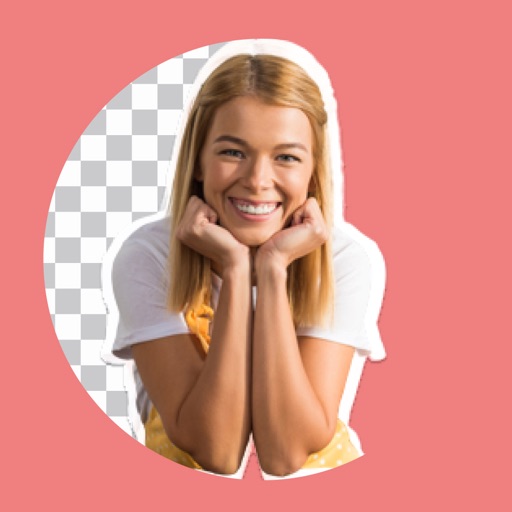
Crop photos using a cropping tool. backgrounds and unwanted objects with an eraser tool. Select areas to erase and create transparent backgrounds. Edit images for white or clean backgrounds. Export edited photos and create stickers.
Automatically detects and hides private text in images. Users can edit photos to remove sensitive information like phone numbers and addresses. Adjust redaction areas and export edited images for sharing.
Upload and edit photos with options to choose format, color, and gradient colors. Add multiple images and post full-size photos to Instagram without cropping. No watermark included.
Edit photos with background removal, image enhancement, and adjustment tools. Add text, stickers, and filters. Export in multiple formats and share directly.
Unwanted objects from photos using AI-powered erasing tools. Edit images with cropping, filters, and adjustments. Retouch photos by removing people or backgrounds. Share edited images directly.
Edit photos with and subject focus tools. Adjust intensity manually or automatically. Remove unwanted objects from the . Apply filters and make color adjustments. Save and share edited images directly.
Photos lets users photo backgrounds with a few taps. Adjust strength and apply bokeh effects. Remove unwanted objects or faces. Enhance focus on subjects by isolating them from the .