
iPhone Screenshots


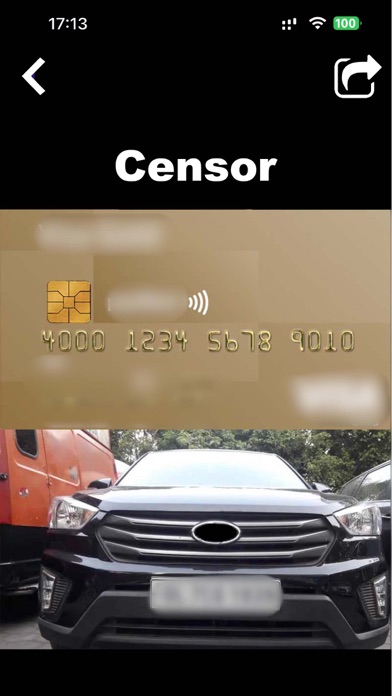


Description
Instantly Blur Backgrounds Like a Pro
Make your photos pop with stunning background blur!
With Blurr: Motion Blur Effect Pro, it's never been easier to turn casual shots into eye-catching, professional-quality images.
Core Feature: AI Background Blur
- Automatic Background Detection
- Tap once and let Blurr separate the subject from the background with AI precision.
- Realistic Depth & Focus
- Create shallow depth-of-field and portrait-style blur instantly.
- Custom Blur Styles
- Choose from motion, zoom, linear, or soft focus to match your creative mood.
Why You’ll Love Blurr:
- Easy-to-use with pro results
- No need for expensive equipment
- Perfect for portraits, selfies, product shots & travel photos
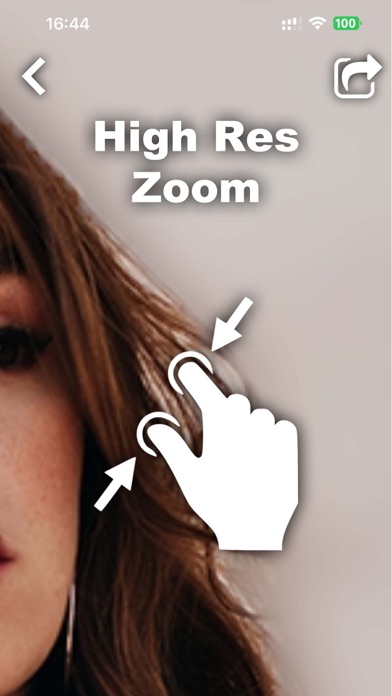
- High-resolution export with no watermarks
Upgrade Your Photos Instantly
Whether you're aiming for an artistic look, a clean product photo, or just want to hide messy backgrounds, Blurr gives you the tools to stand out — in just seconds.
Download Blurr: Motion Blur Effect Pro now and blur like a pro!
As a premium member of app, you enjoy unlimited access to all features!
By subscribing you get unlimited access to all the app’s functionality for the whole duration of your subscription period.
Payment will be charged to iTunes Account at confirmation of purchase.
Subscription automatically renews unless auto-renew is turned off at least 24-hours before the end of the current period.
Account will be charged for renewal within 24-hours prior to the end of the current period.
You can manage your subscription and turn off the auto-renewal anytime through your Account Settings.
Privacy Policy: https://mobile-apps.dev/blur-photo-privacy-policy/
Terms of Use: https://mobile-apps.dev/blur-photo-terms-of-use/