Explore concepts through interactive experiments in a virtual lab. Conduct simulations, manipulate variables, and observe outcomes. Use AR mode to visualize phenomena in real-world environments. Share findings and collaborate with others.
Learn CNC programming by simulating operations. Input G-code to machine parts. Rotate and zoom 3D models. Adjust tool paths and monitor machining processes. View detailed machine components and their functions.
Calculate values using resistor color codes, voltage, current, and resistance formulas. Perform impedance and RLC circuit analysis. Input values to get accurate results for engineering, wiring, and circuit design tasks.
Simulate hard drive failures to understand loss scenarios. Explore virtual hard drive components and failure processes. Learn about methods through interactive visuals.
Datasheet search allows users to find electronic components. Resistor color codes and markings are decoded for 4, 5, and 6 band codes. Electronic symbols are displayed according to IEC 60617, IEEE 315, and GOST standards.
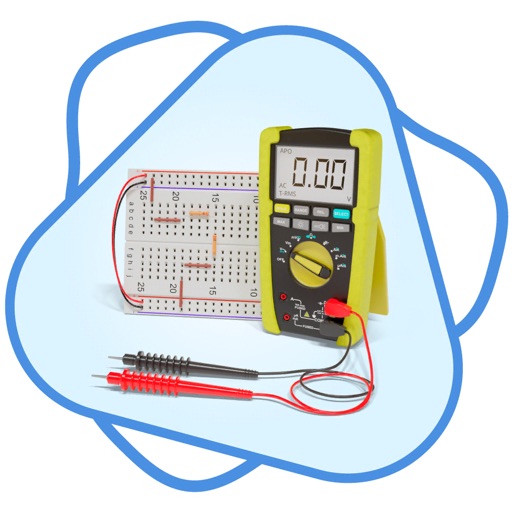
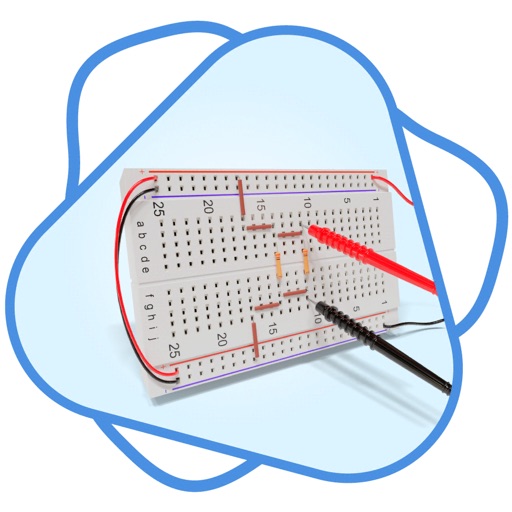
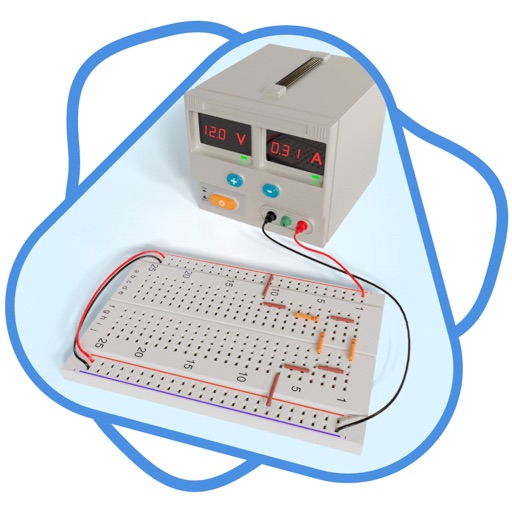
Learn about resistors and resistance with interactive simulations. Configure up to eight component sections. Measure voltages across resistors and current through series and parallel circuits. Solve electrical circuits.
Identify using an AI model. Test knowledge with 2000+ . Earn 5 points per correct answer, lose 3 for incorrect ones. Retake levels to improve score. Track progress through levels requiring 25 points to advance.
Simulate circuits using components like AND, OR, NOT gates, flip-flops, and multiplexers. Build and test circuits with drag-and-drop components. View output through monitors and adjust inputs manually. Save and share designs.