Take notes with text, images, and attachments. Archive notes for organization. Edit notes with version history. Sync across devices using iCloud. Backup notes automatically. Add a widget for quick access. Use with Apple Watch and iMessage.
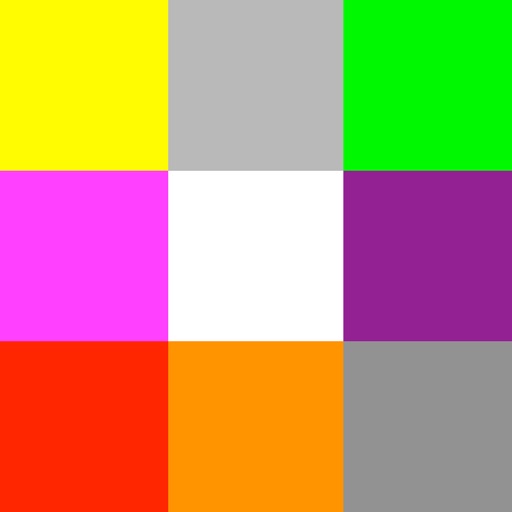
Provides even lighting for photography subjects and transparencies. Select predefined colors or create custom ones with RGB sliders. Capture images to identify RGB values. Adjust opacity and brightness. Enable full screen mode by tapping the screen.
Turn photos into drawings, cartoons, or sketches with one click. Apply 19 effects with full control. Save creations and share via Facebook, Twitter, Flickr, Tumblr, and Email.
Perform calculations with a clean interface. Store and reuse numbers using the Memory Area. Bookmark equations for quick access. Drag and drop values between calculations. Switch between scientific and basic modes. Export results as text or image.
Calculate resolutions and aspect ratios by inputting one dimension and a ratio. Adjust ratios with a tap. Save calculated resolutions for future reference. Scale resolutions while maintaining aspect ratio.
Take with Apple Pencil, capacitive stylus, or finger. Customize pen color, thickness, and style. Secure with a passcode. Organize and manage digital content efficiently.
Turns iPhone or iPad into a virtual for . Select from multiple keypads including notes, beams, articulations, and accidentals. Automatically switches keypads based on selections. Connects via Wi-Fi without requiring direct line of sight.
Navigation provides GPS tracking, map navigation, and route planning. Includes tools, field manuals, and live conflict updates. Users can access guides, track locations, and receive real-time news.
Allows users to manage schedules with integrated reminders. Events and reminders are shown together on the . It supports Apple Watch integration. Users can set complex repeating events like monthly or weekly patterns.
Turn photos into drawings, cartoons, or sketches with one click. Apply various effects including black strokes, white strokes, pastel, and halftone. Adjust edge strength, opacity, contrast, brightness, and saturation.
Allows users to highlight screen areas with a effect. It includes a magnifier for zooming in on details. Click effects enhance visual communication. The Teleport feature moves the between displays using a shortcut.
View account balances without signing in using Quick Balance. Transfer funds between accounts. Access account details and transaction history. Set up alerts for account activity. Lock or unlock your card remotely.
Apply to any website for easier reading. Enable night shift with a yellow tint to reduce eye strain. Customize background color and opacity. Save battery power during nighttime browsing.