
Mouse Pro: Cursor Spotlight
Guide attention with visual cues
Nanning Naasing Technology Co., Ltd.
iPhone Screenshots



Description
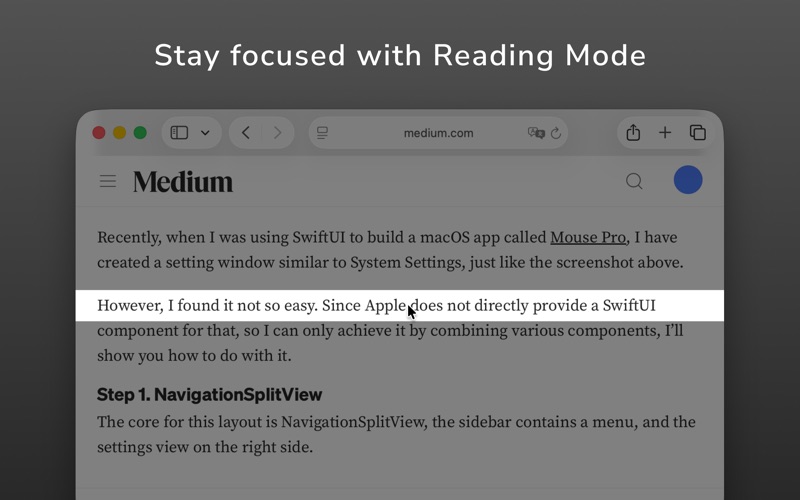
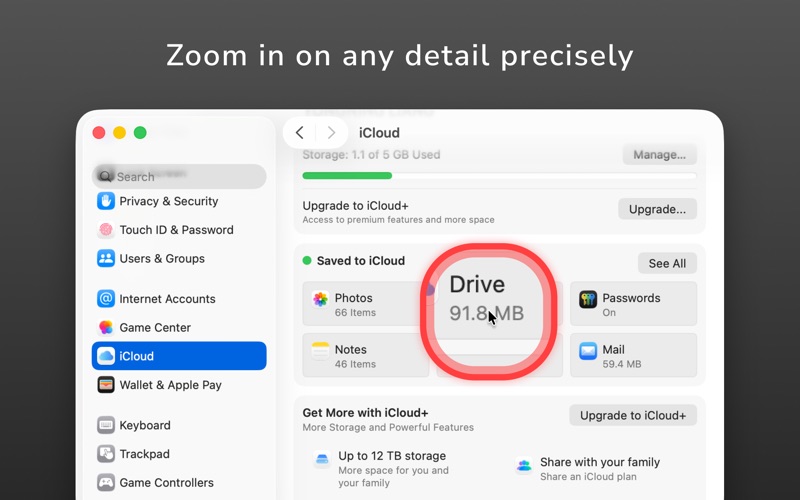
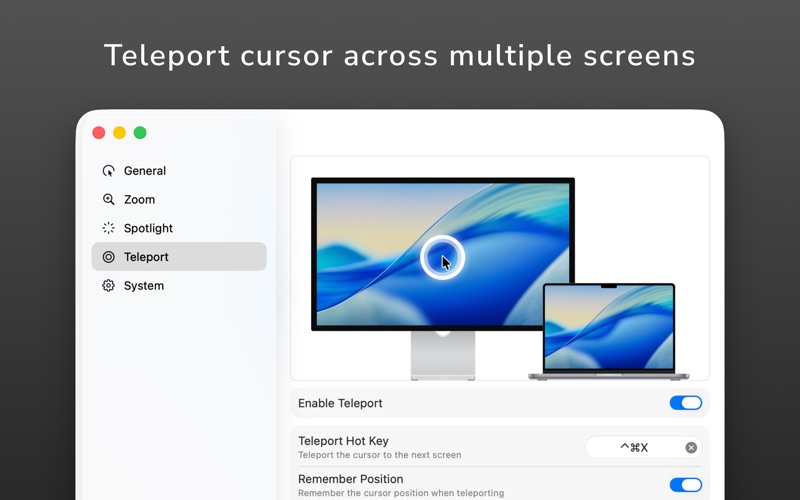
Allows users to highlight screen areas with a effect. It includes a magnifier for zooming in on details. Click effects enhance visual communication. The Teleport feature moves the between displays using a shortcut.
Mouse Pro turns your cursor into a powerful visual communication tool — perfect for presentations, online meetings, and video tutorials.
With advanced spotlight, magnifier, and click effects, you can guide attention and make every action clear and engaging.
What’s New
Now fully compatible with macOS Tahoe 26.
The new Teleport feature lets you instantly move your cursor across multiple displays with a single shortcut — ideal for multi-screen setups.
Key Features
• Spotlight effect to highlight focus during presentations and screen sharing
• Mouse highlighter to make every click visible and easy to follow
• Screen magnifier to zoom in on important details
• Reading Mode to dim distractions and emphasize key content
• Ripple click feedback for clear visual responses
• Teleport Cursor – Instantly move across displays with one shortcut
• Customizable shortcuts to fit your workflow
• Auto launch and silent background operation
• Works seamlessly with Zoom, Google Meet, Microsoft Teams, OBS, and other presentation tools
Perfect For
• Teachers, trainers, and content creators
• Remote presenters and online educators
• Recording screen tutorials and demo videos
• Users with large or multiple displays
Privacy First
Mouse Pro collects no data. All spotlight, magnifier, and click effects run locally on your Mac — nothing is stored or shared online.
Highlight. Magnify. Click. Spotlight. Present.
Download Mouse Pro today and make your cursor stand out in every presentation.