Capture photos, create time-lapse videos, make animated
Take to create a photo journal. Make time-lapse videos and animated GIFs from photos. Backup and sync images via Dropbox. Tag photos with locations using Swarm.
Track personal with daily photo or video uploads. Set custom reminders for consistent updates. View timeline-based reports. Add notes and tags to organize entries. Share completed journeys via email or social media.
Capture progress photos daily and create time-lapse
Track fitness progress with before-and-after photos. Capture daily progress shots and set reminders for consistency. Create time-lapse videos or GIFs from photo sequences. View changes over time and document transformations.
Edit photos with 200+ filters and AI art effects for enhanced visuals. Adjust brightness, contrast, and saturation. Add text, stickers, and animated effects. Export in various formats and share directly. Apply AI flash for vintage aesthetics.
Take photos or upload them easily. Automatically align and overlay images for consistent tracking. Set daily, weekly, or custom reminders. Create time-lapse or before-and-after videos. Export transformation records for sharing.
Track measurements with precision. Log diet and nutrition intake using AI-powered tools. Monitor weight loss and transformation progress. Set goals and view detailed progress reports. Sync data across devices for consistent tracking.
Capture weekly photos to create an AI-generated time-lapse video of your transformation. Align photos using outlines and levels. Check for consistency in lighting, hair, pose, and clothing.
Securely hide photos and videos in private folders. access with PIN, Touch ID, Face ID, or custom passwords. Encrypt files and restrict access to specific apps. Set up secret folders and manage content remotely.
Capture selfies with smart guides and a built-in timer for steady shots. Track progress over time with time-lapse stories. Edit and share photos directly. Add captions and tags to organize entries. Sync across devices for consistent journaling.
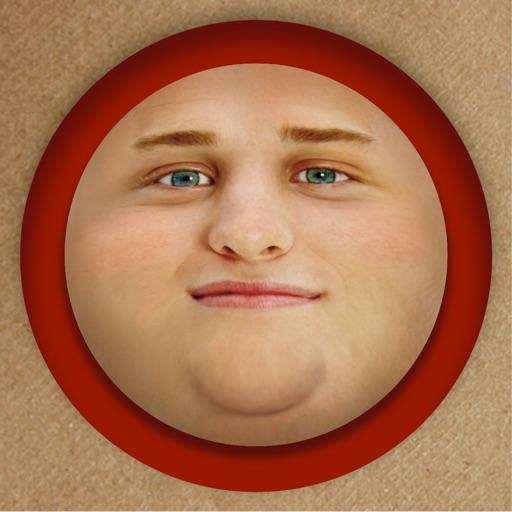
Edit photos by adding exaggerated weight gain effects to faces. Share modified images via email, iMessage, Instagram, Snapchat, Facebook, Twitter, and WhatsApp. Toggle between original and altered views using device shake.
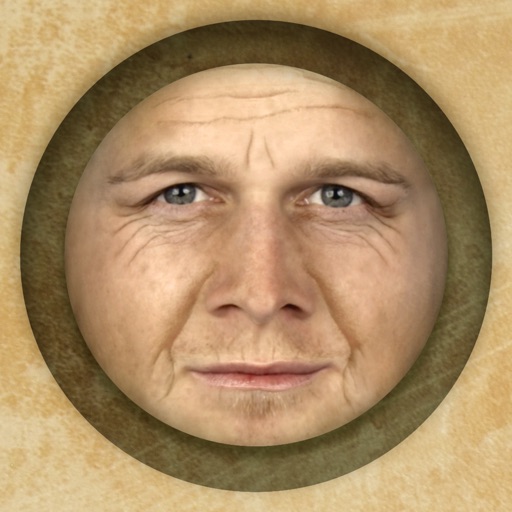
Predict how faces will look as they age. Upload photos to generate aged versions. Adjust aging intensity and style. Share results via email, messaging apps, and social media. Includes features like shaking to trigger aging effects.
Store photos and videos securely on your iPhone without uploading to the cloud. Unlock the photo locker using a passcode or Face ID. View and revisit saved media privately. Protect sensitive content with a secure feature.
Hide and videos in the . Lock access with Touch ID, Face ID, or a custom PIN. Display a splash screen when not in use. Import from or Files and export to . Support for galleries and albums.
Record and stop-motion videos with support for SDR Video, HDR Video, Apple Log, 12MP, and 48MP photos. Adjust playback speed after recording. Edit footage with advanced tools. Export in various formats. Control settings during capture.
Capture body measurements using camera poses. Track body changes over time. Store measurements for shopping. Analyze weight loss progress through workout and diet insights.