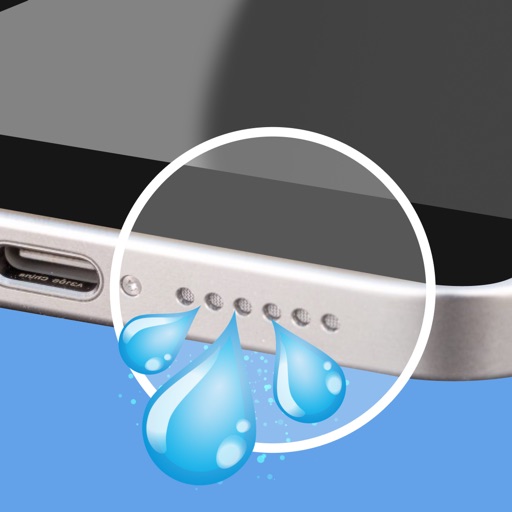
Clean speakers by generating ultra-low frequencies that vibrate and remove trapped , dust, or moisture. Tap to initiate a quick cleaning process. Restore sound clarity after liquid exposure.
Test phone speaker performance by playing a steady tone. Assess sound clarity, resonance, and output consistency. Adjust volume and frequency settings for accurate evaluation. Save test results and compare audio quality across devices.
Test audio output and input quality by playing sound waves and analyzing speaker clarity. Detect microphone issues through voice recordings. Clean speakers and or dust with built-in tools.
Test speaker audio output using frequency ranges to assess clarity and balance. Perform stereo checks to ensure equal left and right channel performance. Generate tones within 160–180 Hz to adjust and optimize sound quality.
Play sounds at defined frequencies between 0Hz and 25kHz. Use the noise meter to measure sound levels. Test speakers with quality audio for sound output.
Manage Bluetooth connections and access features like auto-off timer, volume control, and battery status. Control multiple devices simultaneously. Share music with another pair of wireless headphones for synchronized listening and real-time DJing.
Nd play tones across 50 to 20,000 Hertz. Adjust frequency, volume, and waveform in real-time. Measure ambient noise levels in decibels. Share noise data. Test speaker performance with sound waves.
Udio tones across 20 Hz to 20 kHz for testing, tuning, or experimentation. Test speaker performance for distortion or imbalance. Clean muffled speakers using the built-in speaker cleaner tool.
Clean and maintain iPhone speakers by removing trapped , dust, and debris. Use advanced sound waves to instantly, blow away particles, and restore clear audio quality. Perform these actions with a single tap.
Audio by removing and dust from speakers using sound waves. Select from 15 source patterns or use power clean mode for deep cleaning. Test sound frequencies with a tone generator and visualizer. Access cleaning tools via widgets or lock screen.
Generate sine, square, sawtooth, and triangle tones across a wide frequency range. Adjust frequency by swiping up or down. Sweep sine frequency for hearing testing. Play tones to clean speakerphone dust and water.
Wave uses high-frequency sounds to remove water and dust from iPhone and iPad speakers. Users can initiate cleaning sessions, check waterproof status, and receive alerts for hardware issues.
Test speaker performance with frequency-based testing. using targeted sound waves. Clean debris with vibration modes. Monitor audio quality and receive feedback on speaker health. Share results and reset settings for optimal sound output.