Set alarms with multiple options and repeating schedules. Lock alarms to prevent accidental cancellation. Shake device to stop the . Use preset volume ringtones designed for waking. Cannot be muted or silenced once activated.
Set customized alarms for specific days, weekdays, or dates. Import custom sounds or record voices for ringtones. Plan and manage future alarms in a calendar view. Use a built-in timer for naps, workouts, or cooking.
Set wake-up time and choose a ringtone or custom music. Add tasks to complete to stop the . Scan barcodes to quickly access tasks or settings. Adjust volume and repeat options. View completed tasks and track progress over time.
Set -up missions to disable the . Choose ringtones, music, or text-to-speech for alerts. Use loud sounds or procedural ringtones to avoid habituation. Set bedtime reminders to prevent sleep deprivation. Track sleep habits and morning routines.
Display current time with seconds on home screen, lock screen, and dynamic island. Choose from various faces and digital displays. Use full-screen mode for timers. Set smart alarms with automatic volume adjustment.
Set alarms with customizable volume-boosted audio and random sounds. Add personal background images or select from pre-designed options. Check weather for your location. Use fun motivational voices for snoozing.
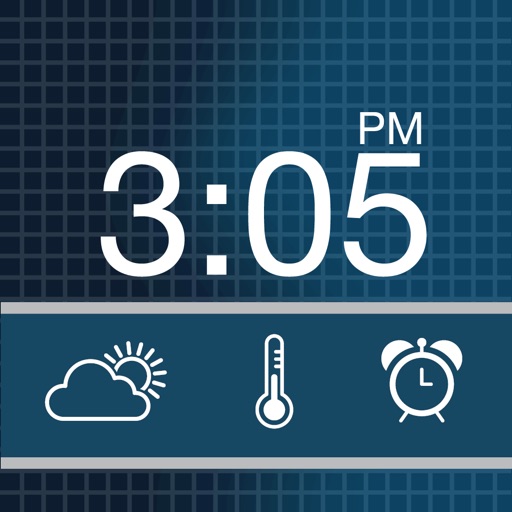
The app transforms a device into a nightstand alarm clock with custom themes and music alarms. It displays weather conditions with custom icons and offers a snooze feature with a countdown.
Set custom videos from YouTube, TikTok, or personal library. Choose playback options and schedule multiple alarms. Add soundtracks or silence for specific times. Share videos directly from the . Adjust brightness and vibration settings.
Set alarms with customizable sounds or personal audio. Complete brain-activating challenges like math or focus tests. Track streaks and goals to maintain consistency. Sync with wearable devices to monitor sleep patterns and adjust wake-up times.
Set alarms with customizable for the icon, , and interface. Choose multiple tones and preset volumes. Lock alarms to prevent silencing. Add personalized music to sounds. Adjust for the and interface.
Set alarms with repeat options by day, date, or shift schedule. Disable alarms via NFC, QR/barcode, or math problems. Use a timer for workouts. View time in multiple formats. Adjust settings for brightness and sound.
Set times with two alarms before each call to prayer. Access times from the religious affairs ministry. Use GPS-based calculations and a 3D compass. Function for a month without internet after one- downloads.
Solve math challenges to disable alarms. Difficulty adjusts based on performance with 5 levels from easy to insane. Challenges become harder if solved quickly, easier if struggling. Features liquid glass design and no snooze button.