Apps Like GPS Speedometer: Tracker MPH for iPhone and iPad
Track speed and route in real time
Monitor speed and key metrics in real time using precise GPS. View speed in km/h, mph, or knots. Track location, route, and direction on an integrated map. Save detailed trip history with timestamps and distance traveled.
by Andrei Dziahel★ 4.811 ratingsUtilitiesFreeData updated 2026-09-06
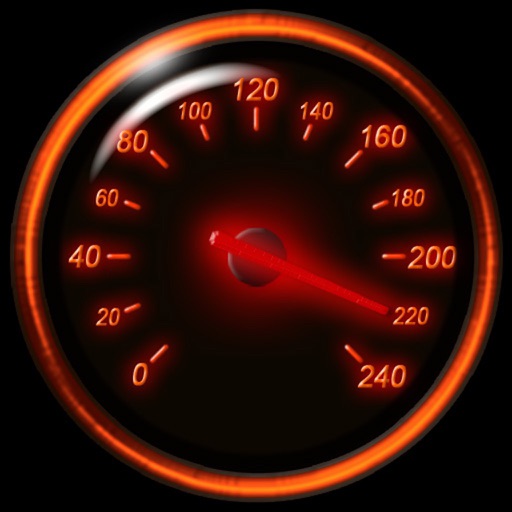
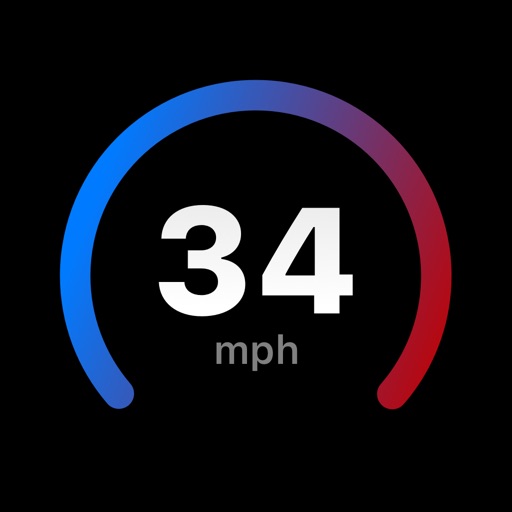
Track speed using iPhone's GPS. Display speed in mph or km/h based on region settings. Show max and average speed. Choose between digital and analog display styles. Monitor speed during car, bike, running, or riding activities.
The app records and exports user trips for geo-tagging or trip management. It displays live paths on a map and provides details like speed, distance, and altitude.
Track routes for hiking, running, cycling, and other activities with GPS. View recorded paths on maps. Save favorite locations for quick access. Measure distance, speed, and elevation. Export data in various formats.
Displays real-time , average , and maximum with unit options. Provides sensor data for weather, altitude, and device orientation. Offers customizable dashboards and waveform charts. Allows saving and exporting historical data in CSV format.
Save locations with exact GPS coordinates and altitude. View real-time weather and wind data. Use the compass for accurate direction tracking. Organize saved points and share coordinates directly.
Monitor Wi-Fi networks and connected devices. Test download and upload speeds for various connections. Perform ping tests and check details. View system information including CPU, memory, and storage. Track real-time performance.
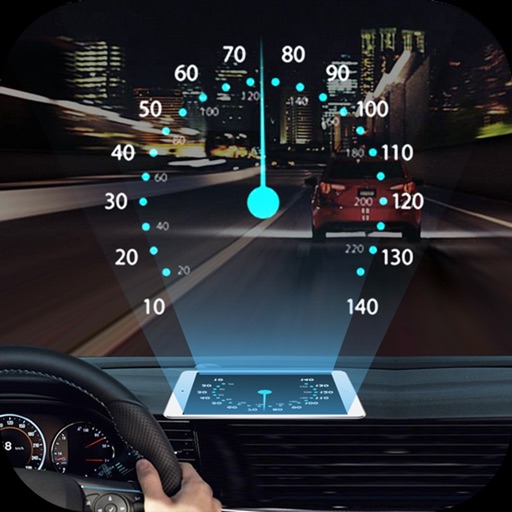
Projects speed, clock, weather temperature, cruise control, and now playing song information onto the windshield when iPhone is rotated and placed near the windshield. Displays data in landscape mode for easier visibility while driving.
Monitor location, heading, pressure, temperature, altitude, speed, distance, and elapsed time in real-time. Track trips, share routes, and receive comprehensive built-in instructions. Customize settings and view data on a large, easy-to-read display.
Measure areas using map, GPS tracking, or AR. Draw shapes on the map for rough estimates. Track GPS routes for precise measurements. Use AR to measure rooms or objects by placing virtual markers. Export results and share data.
Device activity with real-time CPU frequency and network speed tracking. View system hardware, OS, memory, and storage usage. Check level and data usage. Locate Airpods and Bluetooth devices. Access Wi-Fi Detector. Customize 17 widgets for iOS 14.
Calculate driving , flight , and fuel costs between locations. View travel time and elevation data. Convert results to miles, kilometers, meters, or feet. Find coordinates in DMS or decimal format. Display road maps for routes.
Securely connect to a private network with one-tap access. Choose from global servers to route traffic. Hide IP address and encrypt data. Protect online activity on public Wi-Fi. Block ads and track bandwidth usage.
3D maps and views of locations. Track real-time location with traffic data. Calculate distance from home. Plan routes and explore famous sites. Find directions and covered area during navigation. Use 3D world map for trip planning.