Apps Like WeDraw: Trace & Create for iPhone and iPad
Real-world images and art
Use AR to and sketch real-world images overlaid on your environment. Draw directly on reference images for practice or creativity. Share drawings digitally. Sync with other devices for collaborative projects. Export sketches in various formats.
by Ali An Nuur★ 0.00 ratingsGraphics & DesignFreeData updated 2026-09-06
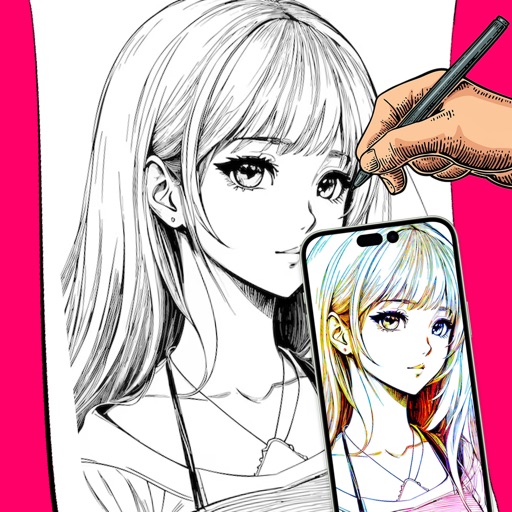
Convert photos to clean outlines using one-tap conversion. Trace AR images on paper with resizing, rotating, zooming, opacity adjustment, and alignment locking. Explore 1000+ templates and create text art for crafts, projects, and learning.
Create art using augmented reality tools and follow step-by-step artist-led tutorials. Access daily for various mediums like acrylic, pencil, and watercolor.
Create drawings using AR tools, trace real-world objects in real-time, and convert photos into sketches. Access a library of templates for design projects. Share artwork directly from the .
Create sketches in short sessions by selecting images from a library, camera roll, or camera. Adjust image display with pinch, pan, and rotate. Overlay images for reference. Save drawings automatically and review progress over time.
PLAY AND LEARN EDUCATIONAL GAMES FOR KIDS PLEI END LERN EDYUKESHINAL GEIMS FO KIDS, TOO
Draw, paint, and create with fun animals
Draw with brushes, markers, or crayons on various pages. Trace shadows to identify animals. Tap blocks to create pixel art. Collect stickers. Paint with vibrant colors and patterns. Choose from multiple pages.
To with structured tutorials and daily practice exercises. Follow step-by-step guides to create illustrations. Access a variety of drawing tools and customize your workspace. Save and review progress to track skill development over time.
Pollux Bilisim Teknolojileri Sanayi ve Ticaret Limited Sirketi
Sketch on photos with AR
Use AR to sketch and draw on photos with realistic ink effects. outlines or create pencil sketches from images. Convert photos into artistic drawings with AI-powered tools. Save and share finished artwork directly.
Sketch directly on the screen with pressure-sensitive tools. Adjust brush size and opacity. Rotate, resize, and move drawings. Save and share artwork in various formats. Export as vector or raster files.
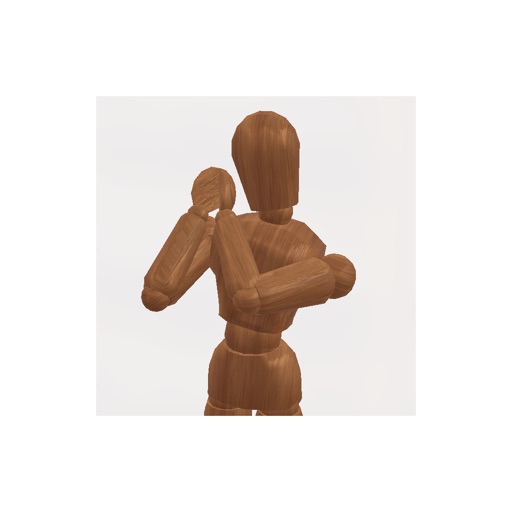
Create pose references for figure drawing using a 3D mannequin . Load and overlay reference images. Save and share poses. Mimic realistic human movement. Supports phones and tablets. Includes indie-developed features with future updates.
Create vector-based sketches and designs on an infinite canvas. Sketch plans, make notes, and draw storyboards. Organize ideas with mindmaps and doodles. Iterate and experiment with designs. Export and share work.