Apps Like Universal Remote: Smart TV+ for iPhone and iPad
Control your TV with a tap
Control TV power, volume, and channels with single-tap commands. Navigate menus using a built-in keyboard or touchpad. Pair with Apple Watch for remote control. Manage multiple TV brands via WiFi.
by Suna Ordulu★ 4.215 ratingsUtilitiesFreeData updated 2026-09-06
The app turns a phone into a wireless mouse, keyboard, and trackpad for a computer. It allows control of a PC, Mac, or Linux device over a local network connection, offering features like remote media control and file browsing.
Smart TV functions such as channel navigation, volume, and menu access. Manage playback controls like play, pause, and stop. Adjust settings and access tools through the iPhone interface. Requires both devices to be on the same Wi-Fi network.
Allows copying and pasting between devices. Share files and URLs to a computer from any . Use phone screen as a virtual touchpad or keyboard. Control a computer's presentation with a phone-based laser pointer. Run remote commands on a computer.
Control your computer with a wireless and touchpad-style from your iPhone. Type on Mac or Windows PCs, navigate with cursor movements, and use a numeric keypad for precise input. Adjust settings and manage devices remotely.
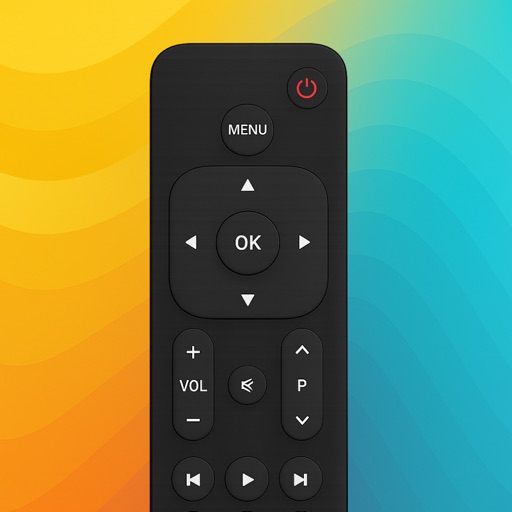
Control your smart TV remotely using an iPhone or iPad on the same Wi-Fi network. Navigate menus, adjust volume, and access all TV functions. Use a realistic interface to mimic the physical buttons and features.
Television functions, launch apps, and navigate menus from an iPhone. Connect to the same WiFi network for instant pairing. Discover and pair with compatible TVs automatically without additional hardware.
TV functions such as volume, channels, and input sources from a smartphone. Connect via Wi-Fi to compatible TV brands. Adjust settings and manage streaming or gaming sessions remotely.
TV volume, channels, and playback from a smartphone or tablet. Adjust brightness and contrast. Navigate menus and access settings. Pair with multiple devices and manage playback functions.
Your TV, LG TV, Hisense TV, Fire TV, or Roku TV remotely using an iPhone or iPad. Adjust volume, change channels, and navigate menus. Access shortcuts for frequently used functions.
Control device via WiFi or Ethernet network. Specify IP address during first launch to establish connection. Adjust settings, navigate menus, and manage recordings remotely from iOS device.
Control devices and compatible TVs with Siri voice commands. Open apps, mute, or power off devices using voice. Integrate with Shortcuts for automation. Manage device settings and access content directly.
Your TV using gyroscope gestures for channel changes and volume adjustments. Use voice commands to operate the TV hands-free. Ask for a movie recommendation based on your mood. Access streaming apps directly from the interface.