
iPhone Screenshots
Description
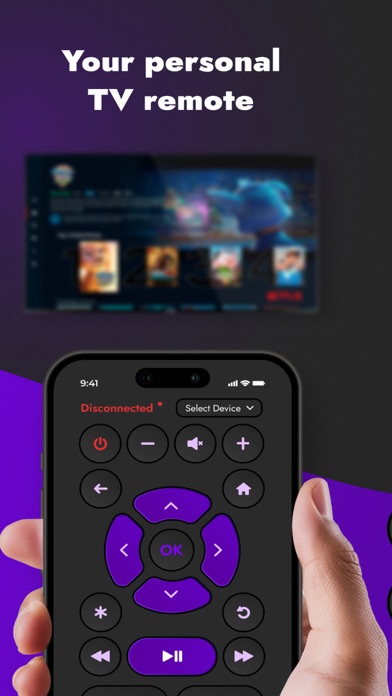
Lost your TV remote control? Use this app to turn your iPhone or iPad into a Remote TV Control!
Advantages:
- Compatible with all popular smart TV operating systems
- Supports over 100 brands
- Automatically detects smart TVs.
- Provides all necessary TV remote commands.
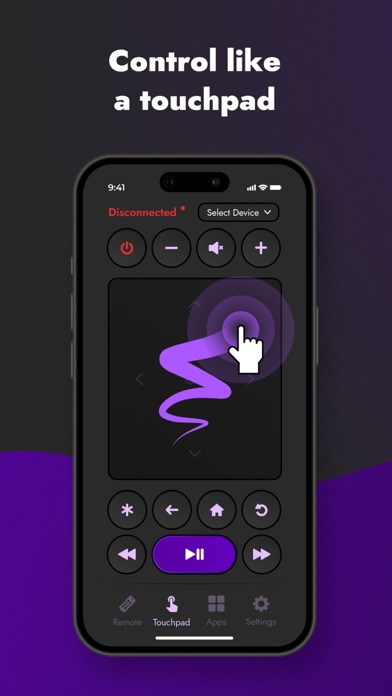
- User-friendly interface.
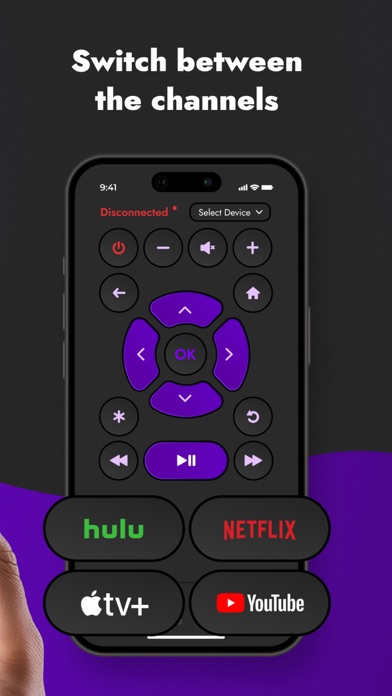
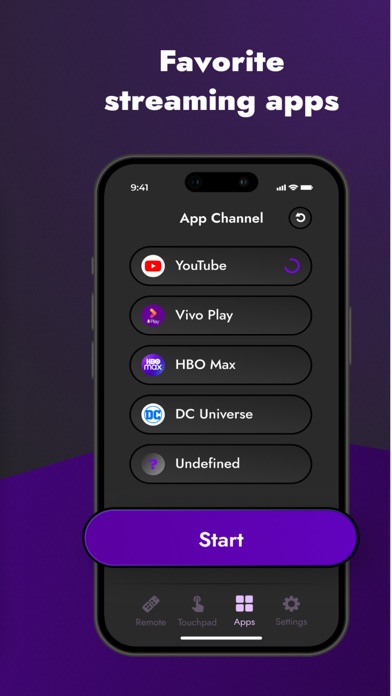
You can perform all common commands like changing volume, switching channels, navigating menus, turning the power on/off, and more. Plus, you don't need to be near the TV as the app operates via Wi-Fi.
To use:
1. Ensure your TV has been on for at least 30 seconds.
2. Both your phone and TV must be connected to the same local Wi-Fi network.
3. Ensure your phone is connected to the Wi-Fi network.
Disclaimer:
This application is not the official app of any of the brands listed nor affiliated with these companies.
Enjoy the app and please leave your feedback!
Subscription is available with auto-renewal. Note: Payment is charged to your iTunes Account at confirmation of purchase. The subscription automatically renews unless canceled at least 24-hours before the end of the current period at the same price and duration as the initial plan (weekly, monthly, half-yearly, or yearly). You can turn off auto-renewal anytime through your account settings.
Terms of Use: https://docs.google.com/document/d/1url4YpEmnSGuZQlVmV_RCq5moNJ4_QOlNLC_GV0wM2Y/edit?usp=sharing
Privacy Policy: https://docs.google.com/document/d/18raHzAG0UINixZxmphSmve2w573sYmpNdrMEtrBXtfg/edit?usp=sharing