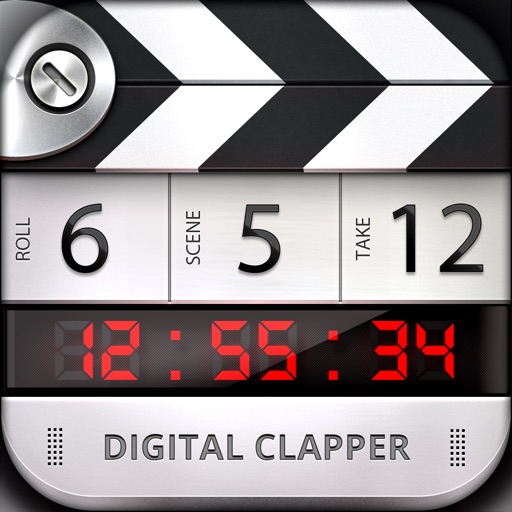
This app provides visual and audio cues to sync cameras and sound recording devices. It is suitable for professional use with clear visual and audio cues.
The app offers unlimited audio recording and transcription services. It includes AI-powered features for summarizing, rewriting, and translating audio content.
Control multiple pendulums and synchronize them for precise timing. Adjust tempo from 20 to 999 bpm. Use the for practice, live performance, or studio recording. Sync with other devices for coordinated playing.
Turn your device into a . Compose and manage unlimited scripts with no character or length limits. Adjust text size, font, and color. Scroll through text manually or automatically. Sync with external devices for live presentations.
Set a custom tempo with BPM input. Choose between normal, repeat, and program modes. Adjust beat divisions to eighth, triplet, or sixteenth notes. Use realistic pendulum animation and natural sounds. Start and stop timing with simple controls.
Measure levels in decibels using the device’s microphone. Display real-time audio frequency and dB readings. Apply filters for specific frequency and dB ranges. Share measurements via Messages, Email, WhatsApp, Notes, and other apps.
Convert colors between HEX, RGB, RGBA, CMYK, Lab, and HSB formats. Use the picker to select and copy codes. Adjust values manually or through preset swatches. Export codes for use in design projects or coding.
Track time until or since a specific . Set for future or past dates. View remaining time in days, hours, minutes, and seconds. Edit or reset manually. Share with others via links.
Track playing habits and provide feedback to improve performance. Use a chromatic , tone and chord generator, , and recorder. Practice ear training, rhythm, timing, and dynamics. Sync with Apple Health for progress tracking.
Displays current time with high precision using an internet time protocol to sync with an time server. Users can set time zones, adjust display settings, and view time in 12-hour or 24-hour format.
Arthur Eduardo Skaetta Alvarez Desenvolvimento de Software LTDA.
Apply filters to reduce in and video
Reduce background in and video files by applying denoising filters. Select files from your device to process them instantly. Supports both and video formats. Functions offline to protect data privacy.
Analyze frequencies with a real-time display. Adjust and visualize sound levels across different frequency ranges. Export analysis data and compare signals for accuracy. Calibrate equipment for optimal performance.