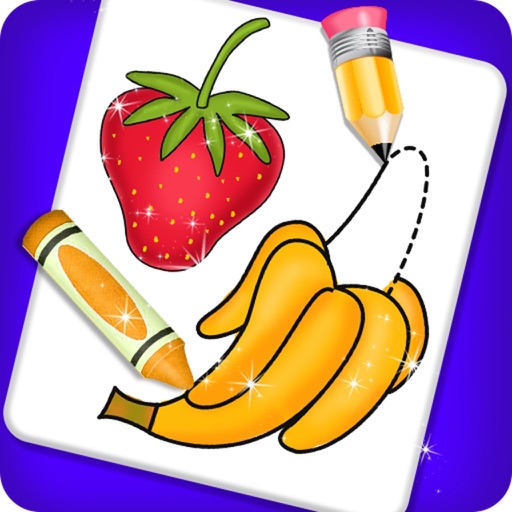
Books allow users to select fruit and doodles for customization. Choose colors from menus and apply different color styles. Adjust pencil size for better control and use an eraser tool for corrections.
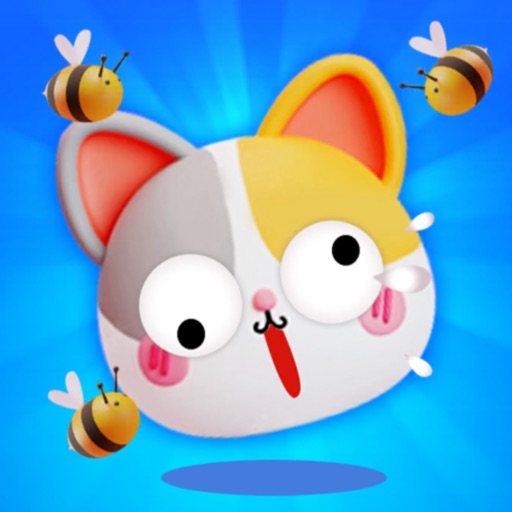
Create walls by drawing lines to protect a cat from bees. Adjust line thickness and color. Tap to remove walls. Complete levels by guiding the cat to safety. Track progress through multiple stages.
Teaches children to draw with 27 colors and 8 pen types. Allows continuation of previous drawings. Includes calming music. Focuses on fine motor skill development and creativity. No ads or third-party data collection. Parents can monitor safe usage.
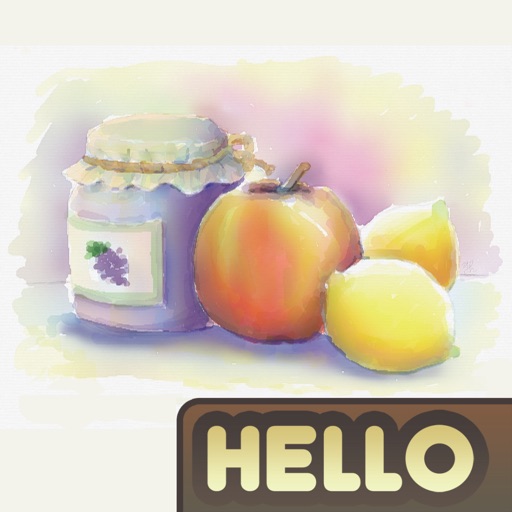
The app simulates watercolor blending and spreading behaviors using fluid simulation technology. It supports techniques like wet-in-wet, wet-in-dry, dry brush, and dry on wet, along with pencil sketching.
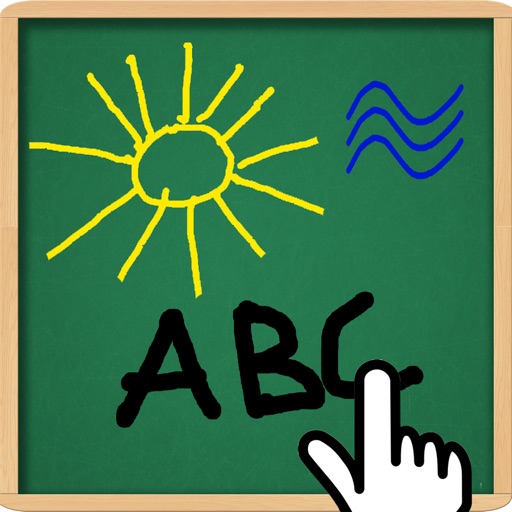
The app allows users to draw and write on their iPad, functioning as a notepad or blackboard. Users can add typed text, choose background colors, and save or share their creations via email or social media.
The app generates a random permutation or selects individuals for tasks. Japanese users employ this method for group division or choosing a lucky person.
Create kaleidoscope patterns by swiping fingers across the screen. Adjust the number of lines and line color. Use multi-touch for advanced control. Save generated artwork to the device's Camera Roll.