Create art using biological simulations and reaction-diffusion patterns. Apply 40+ presets to generate natural-looking designs. Manipulate parameters to adjust patterns dynamically. Export artwork in various formats.
Create vector illustrations and technical drawings with precise tools. Adjust shapes, colors, and layers. Export in multiple formats. Sync between macOS and iPad.
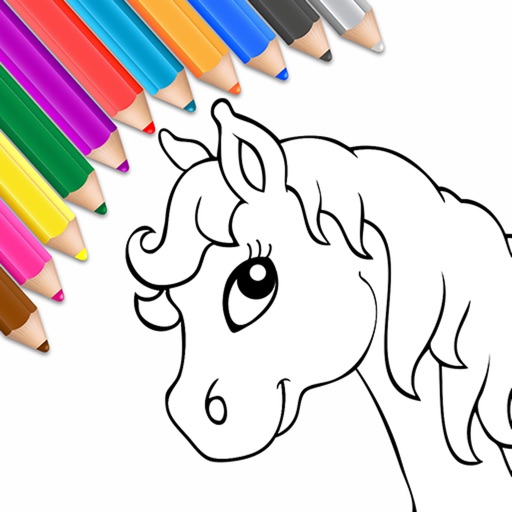
Color and draw animals like lions, tigers, and elephants on a virtual coloring sheet. Select colors, use brushes, and add details to create custom artwork. Save or share completed drawings. Includes printable pages for offline use.
Create art by placing pixels on a canvas. Choose from various images like unicorns, dinosaurs, and food. Draw following numbered guides to fill sections. Receive feedback with a satisfying click sound when diamonds are correctly placed.
Learn and Illustrator through interactive . Practice with drag-and-drop exercises, shortcuts, and real-time feedback. Complete hands-on projects and track progress with step-by-step guidance.
The app offers over 2,000 Sudoku puzzles with multiple difficulty levels, playable offline. It features a clean, purple-themed design with large numbers and intuitive controls, suitable for all ages.
Add vibrant color to specific image areas using the Color Splash Effect. Adjust intensity and placement. Export edited in various formats. Share directly from the .
Create pixel art with layer editing tools including alpha sliders, hide options, copy, and merge down. Animate with onion skinning, alpha controls, and live preview. Export as PNG, GIF, or JPG with support for animated GIFs and sheets.
Install high-resolution brush and stamp sets with one tap. Import .brush / .brushset files directly. Create art in styles like watercolor, ink, manga, and calligraphy. Use time-saving stamp collections for quick composition building.