Edit photos with AI-powered background removal and custom background options. Apply artistic effects like cartoon styles. Enhance portraits with AI adjustments. Export edited images in various formats.
Edit photos with , , and AI cutout tools. Apply neon, glitch, and overlay . Add doodles, artistic text, and fun stickers. Share edited photos directly to Instagram, WhatsApp, Facebook, and Messenger.
Edit photos with filters, effects, and backgrounds. Create collages and layouts with ready-made designs. Crop and mirror images for social media. Add text and frames. Share edited photos directly to WhatsApp and Instagram.
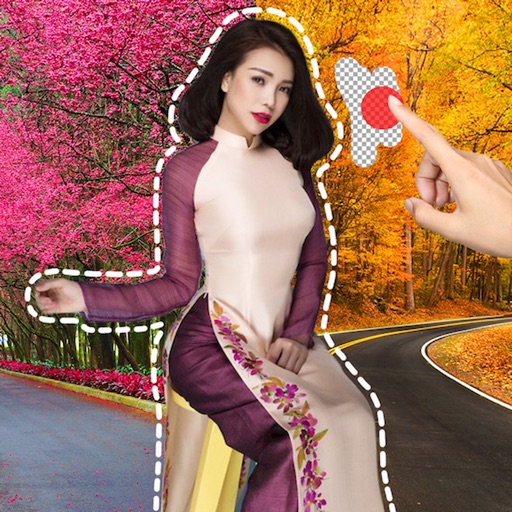
Remove image backgrounds using AI for transparent effects. Edit photos by cutting specific areas manually. Add new backgrounds, text, and stickers. Create profile pictures with customizable options.
Edit photos by cutting and pasting faces, removing backgrounds, and deleting unwanted people. Add missing faces to photos. Use the silhouette head tool to select and edit elements. Export edited images directly.
Remove backgrounds from photos using AI-powered auto-detection. Cut out subjects with one touch. Export as high-quality PNGs with transparent backgrounds. Edit images by adjusting edges and refining details. Save and share edited files directly.
Photo backgrounds using AI-powered object recognition and automatic cutting. Edit images to create transparent backgrounds. Erase objects or elements with realistic results. Save and share edited images directly.
The app allows users to change a monochromatic background into any image. It offers tools to manually remove backgrounds without a green screen and includes features like auto-enhance, drawing, stickers, text, and various photo effects.
Upload full-size photos to social media without cropping. Adjust aspect ratios to match platform requirements. Preview and finalize images before sharing. Avoid cutting out parts of group photos. Save and share original quality images directly.