Use the to project real-time grids and guidelines for precise . Adjust grid size, opacity, and angle. Import sketches or paintings for reference. Save and export artwork in various formats. Sync drawings across devices.
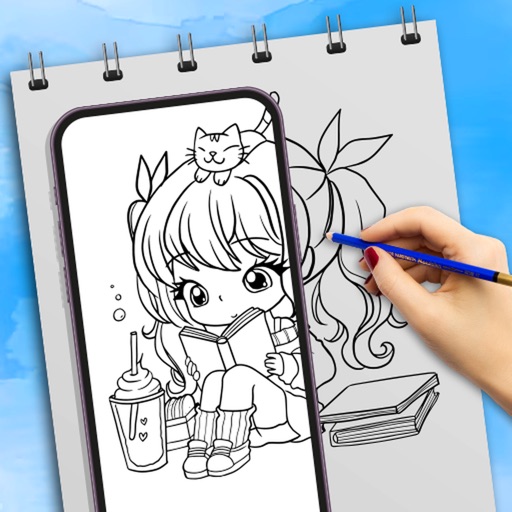
Draw on physical paper using AR templates for tracing and sketching. Paint and color directly on paper with digital tools. Save and share artwork. Adjust brush settings for pressure sensitivity and stroke control.
Trace images by importing personal photos or using predefined options. Lock the display to prevent accidental movement. Convert photos to line art for clearer . directly on the converted outline. Export drawings in multiple formats.
Create poster or template collages with up to 20 photos or videos. Add text to images or videos. Edit photos with filters, cropping, and adjustments. Enhance visuals with artistic text overlays. Export collages in multiple formats.
Use augmented reality to trace photos or line drawings. Adjust brush settings for precision. Annotate and refine sketches digitally. Export final artwork in various formats. Share drawings via social media or email.
Create art with layers, animation, and onion skinning. Import color palettes from Lospec or use built-in options. Zoom with pinch, draw with tap, and view mini-previews while dragging. Sync with Aseprite for file transfer.
Use camera as tracing projector to on paper. Trace lines directly with pencil. Access and painting features. Learn to people, anime, and objects. View step-by-step guidance for artistic techniques.
Sports movements like golf swings or disc flights with real-time visual effects. Draw trails over videos without editing skills. Align lines accurately even with shaky footage. Customize visual styles and export directly to social media.
Create digital art with 105 tools including pens, pencils, and brushes. Import and edit photos. Add text and rotate elements. Customize brush settings. Use customizable canvases. Save and share artwork.
Create digital artwork with realistic painting and drawing tools. Use exclusive brushes mimicking real-world art mediums. Simulate fluid watercolor effects. Adjust brush settings for precision. Export artwork in various formats.
Create and refine artwork using AI-powered tools and AR integration. Access 550+ lessons with character-based tutorials. Collaborate with others in real-time. Track progress and receive feedback. Export drawings in various formats.
Lets users adjust brightness and contrast to analyze tones in images. They can isolate light and dark areas to study shadows and highlights. Export grayscale versions for use in drawing or painting practice.
Use camera to draw and paint in augmented reality. Access tracing templates for animals, cars, nature, food, anime, and more. Adjust brush size and color. Save and share artwork directly.
Edit photos and videos into high-quality drawings, sketches, and illustrations. Apply pencil, charcoal, or technical filters. Enhance videos with advanced filters. Export edited content in various formats.