On an with multiple colors and add typed text to illustrations. Erase or delete drawings. Choose background colors for the . Save creations and share via email or Facebook. Additional markers and backgrounds available in the complete version.
Train observation and anatomy skills with timed figure sessions. Select pose duration, choose from photo galleries, and start immediately. A summary displays performance after each session.
The app teaches cursive letter tracing and joining letters within words using proprietary technology. It offers customizable features, engaging tracing activities with stickers and games, and progress reports for monitoring.
Learn any topic through short, personalized audio lessons. Ask questions by speaking or typing. Topics range from productivity to quantum physics. Lessons are interactive and tailored to user input. No textbooks required.
Create diagrams and flowcharts using shapes like rectangles, circles, and arrows. Draw freehand or use geometric figures. Collaborate in real-time on an infinite canvas. Export diagrams in multiple formats.
Teach letter sounds through interactive play. Children feed letters to a while matching letters to their sounds. Includes phonics exercises and vocabulary building activities. Tracks progress and offers simple, engaging gameplay for young learners.
Explore the night sky with three perspectives: sky, Earth, and solar system. View star maps, constellations, and celestial events. Use augmented reality for interactive exploration. Display high-resolution Earth globe and solar system models.
Take notes on unlimited pages with templates like blank, lined, and grid. Import images and PDFs easily. Cut and move content with scissors tool. Use ruler and protractor for shapes. Access scraps via sidebar drawer.
Create and customize a stick figure hero. Navigate puzzle levels to defeat the Corruption. Solve challenges, avoid traps, and progress through an expanded world. Unlock new characters and abilities. Share creations and progress with others.
Create art with drawing tools and color palettes. Explore ABC tracing, shape recognition, and logic puzzles. Learn about countries through flag identification. Listen to interactive bedtime stories. Track progress with activity completion badges.
Cloud identification uses device cameras to classify and identify cloud types in real time. Displays cloud names and characteristics. Offers educational information about cloud formations and weather patterns. Syncs with cloud observation logs.
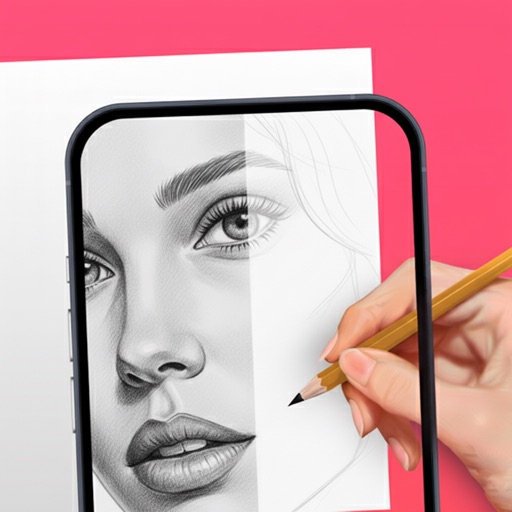
Use camera to project reference images into real-world space. Trace and over images with precision. Align and import images for accurate drawing. Save and share sketches directly.
Children can freely using a virtual notebook with crayons and brushes. They can sketch shapes, experiment with colors, and create without limits or templates.
Use camera to and in real-world environments. Apply colors and textures with touch gestures. Adjust brush size and opacity. Save and share drawings directly. Sync with design tools for further editing.