Record and edit video with manual controls, audio levels, and timeline editing. Livestream directly to platforms. Manage storage and transfer footage via Wi-Fi to a private database for sharing and collaboration.
The app provides wireless camera control for compatible Canon and Nikon cameras. It allows users to transfer images and adjust settings like aperture, shutter, and ISO from an iOS device without needing internet access.
Edit photos with exposure controls for shutter speed and ISO. Adjust focus with focus peaking and focus settings. Shoot in 48MP resolution on supported devices. Save in RAW format and apply post-processing adjustments. View RGB and luma histograms.
The app provides reference tools for filmmakers and camera operators. It offers customizable features for various shooting situations and RED camera models.
Connect to iOS device camera for live streams and meetings. Use manual controls for settings. Draw and add text via voice on video feed. Pause video to annotate. Stream via USB, HDMI, or AirPlay to Ecamm, OBS, or Zoom.
Edit photos with color and film filters, vintage textures, and light leak effects. Adjust brightness, contrast, and saturation. Add vignettes and analog film sensations. Export edited images in various formats.
The app allows a user's iPhone or iPad to function as a remote camera for Stop Motion Studio. It provides live preview and full camera control for capturing stop-motion animations.
The app offers a professional-grade camera with manual controls for exposure, focus, and white balance. It also includes a nondestructive photo editor with adjustments for color, sharpness, and skin tone.
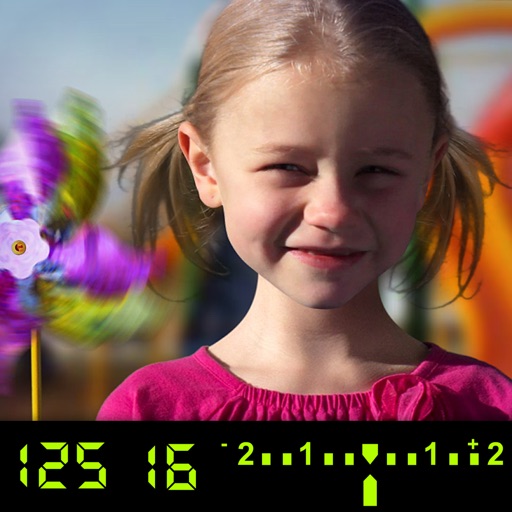
The app visually explains DSLR camera controls. Users can experiment with settings and see the effects on a sample image, receiving feedback on their choices.