Take photos using both front and rear cameras. Adjust focus, exposure, and white balance. Capture videos with manual controls. Edit images with basic tools. Save and share photos directly.
by Takahashi Kanna★ 0.00 ratingsPhoto & VideoFreeData updated 2026-09-06
Take guided photo-meditations using your phone’s camera. Follow ten-minute sessions to focus and calm the mind. Capture images during practices to reflect on moments. Track progress over time to build mindfulness habits.
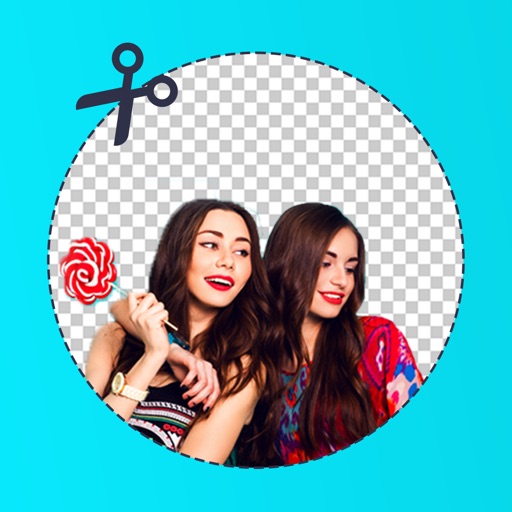
Edit photos by removing backgrounds with mode, object extraction, and quick select tools. Use transparent backgrounds for stamps and collages. Share edited images directly with other apps.
Apply filters and effects to photos and videos for a retro film look. Adjust color, contrast, and grain. Access premium filters with a subscription. Share edited content directly.
Edit photos using presets from photographers and content creators. Adjust brightness, contrast, and saturation. Apply filters and crop images. Save and share edited photos directly.
Control a drone via WiFi for real-time image and video streaming. Adjust flight path using manual, gravity sensing, trajectory, or voice command controls. Capture photos and videos manually or through the drone’s hand-held camera.
Edit photos with 3D and color effects to create立体 art. Apply special effects to enhance images. Save and share edited photos directly. Use fun and intuitive editing tools for creative customization.
Capture photos with high-quality cameras on computers, smartphones, and tablets. Edit images with color enhancement tools. Record videos with the Movie button. Access panoramic views on the website for additional features.
RAY INFORMATICS YAZILIM TEKNOLOJI MEDYA DANISMANLIK VE EGITIM TICARET LIMITED SIRKETI
Animate photos with AI video clips
Create short videos from text prompts, photos, or portraits. Animate images and generate dynamic clips using AI. Edit and share finished videos directly within the .
Edit photos with AI-powered tools for exposure, contrast, and color correction. Learn composition, lighting, and framing through interactive lessons. Get real-time feedback on shots and track progress over time.
Capture and analyze property details using smartphone photos. Generate 2D and 3D models from images. Measure dimensions and create project assets. Document appraisals, inspections, and claims without manual tracing. Export and share models directly.
Edit selfies and photos with AI retouching, body shaping, and beauty enhancements. Adjust skin tone, remove blemishes, and enhance details. Save and share edited images directly.
Edit photos by swapping faces using AI technology. Adjust facial features and apply filters. Copy faces from one image to another. Create realistic or humorous -over effects. Share edited images directly.
Edit photos using like Linear, Vignette, and Sepia. Adjust brightness, contrast, and color with tone curve tools. Apply blur, focus, and rotation. Add stickers, text, and emoticons. Crop and resize images.
Capture lightning strikes in real-time using iPhone or iPad. Adjust ISO settings manually or use full auto mode. Switch between day and night modes automatically. Preview and save high-quality photos directly. Share images via social media or email.
Apply filters and frames to photos and videos. Choose from retro, cartoon, and themed styles. Edit and share images directly. Access premium features with a subscription.
Edit photos with 400+ artistic filters and effects. Apply oil painting, graffiti, sketch, and pop art styles. Adjust colors and textures. Save and share edited images directly.
Edit photos with cropping, resizing, and basic adjustments. Apply filters and effects. Add text and stickers. Share edited images directly. No subscription required.