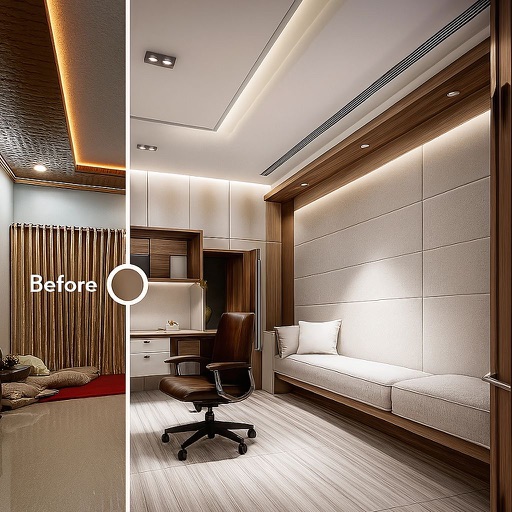
Create lighting mockups by tapping on home images to activate lights. Adjust colors and positions with zoom and pan tools. Preview static color effects without needing an account. Upgrade to Pro for advanced features.
by Horizon Home Lights LLP★ 5.02 ratingsGraphics & DesignFreeData updated 2026-09-06
Allows users to draw and explore with infinite scroll and . Create digital artwork using Apple Pencil support. Adjust brush settings for precision. Save and export drawings in various formats. Collaborate in real-time with others.
Create animated portraits with motion effects like leaning or gliding. Choose from 40+ style packs including Business, Luxury, and Anime. Generate cinematic scenes or fun reactions. Save or share edited content instantly.
Apply filters to photos for pop art, monochromatic, or ink drawing effects. Adjust color palettes from 90+ options. Import and export photos unlimitedly. Share edited images directly. Create stencils for silk screening.
Manage device installations with guided setup, photo documentation, and activation. Track device placement, register with systems, and handle replacements or reassignments. Monitor snapshots and ensure data accuracy during installation.
Manage water systems with real-time device monitoring and control. Adjust settings remotely, receive alerts, and view performance data. Track maintenance schedules and generate service reports.