Edit photos with presets and organize them by categories and folders. Adjust colors using PRO color grading tools. Add textures, effects, and blur options. Design social media posts with templates. Export edited images in various formats.
by ANASTASIYA KALINOUSKAYA★ 4.58 ratingsPhoto & VideoFreeData updated 2026-09-06
The app provides numerous effects to transform photos into fantasy images. Users can combine and adjust effects like rings, swirls, and fireworks to create unique pictures.
Photos lets users photo backgrounds with a few taps. Adjust strength and apply bokeh effects. Remove unwanted objects or faces. Enhance focus on subjects by isolating them from the .
Create logos using AI by inputting design ideas. Choose from various styles and color schemes. Export logos in multiple formats and share directly. Customize text and icons for personal or business use.
Apply filters from the 1920s to the 90s to photos and videos. Adjust filter intensity and color balance. Export edited content in multiple formats and share directly.
Combine photos into a single collage with 50+ layout options. Add exclusive stickers, backgrounds, and frames. Adjust layouts, crop, and rotate images. Include text to personalize and share the final design.
Create logos using built-in templates from various industries. Customize elements like fonts and colors. Access over 1000 materials for backgrounds and symbols. Export logos in multiple formats for use across different platforms.
Remove unwanted parts of photos using AI-powered erasing. Add colors or images to create new backgrounds. Crop, draw over, and undo edits. Zoom for precision and blur edges. Save and share edited photos.
Edit photos to simulate different hairstyles. Choose from 40+ preloaded styles. Apply effects using front or back . Save preferred looks to device. Adjust sticker opacity and add text or photos as overlays.
Edit photos with filters, contrast, brightness, and color adjustments. Add text, stickers, and drawing tools. Customize images and landscapes. Export in high quality. Access a free image library. Apply advanced editing features.
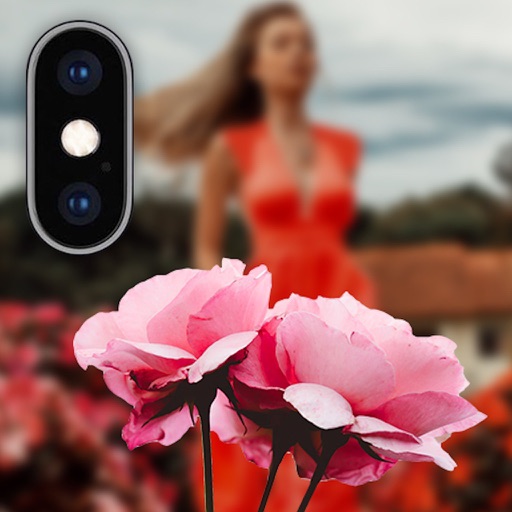
Backgrounds using artificial intelligence for quick depth effects and portrait mode. Adjust intensity manually. Unblur photos if needed. Share edited images directly to Instagram.
Capture photos with film effects including dust, scratches, retro colors, flicker, light leaks, and frame shake. Adjust exposure, contrast, and color balance. Export images in various formats and share directly.
The app applies dust, film grain, textures, light leaks, and gradients to images. Users can edit photos with professional tools and save edits for future use.
Edit photos to create professional product images using ordinary cameras. Adjust lighting, shadows, and colors. Add text and overlays. Export in high resolutions. Subscribe for unlimited photo edits and higher resolution limits.