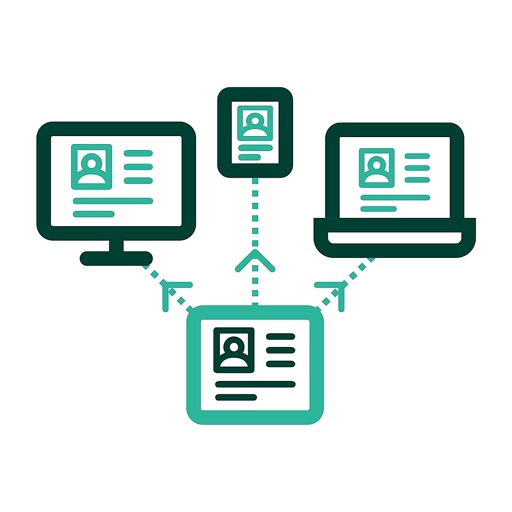
Show iPad or iPhone screen to remote users instantly. Share content via Phone Bridge for calls. Compatible with all browsers and devices. No setup required for quick meetings. Control screen sharing and end sessions remotely.
Schedule tasks by selecting a date and setting specific times in 30-minute increments. Add color via the pen icon and receive 3-minute notifications before scheduled times. Adjust notification settings for missed alerts.
The app offers a fullscreen workspace with support for device orientation and multiple canvas sizes. It includes 145 brush markers, layers, zoom functionality, and brush configuration saving.
The app allows users to draw molecular structures and reaction schemes using fingertip gestures. It offers features for creating rings, chains, reaction pathways, and text annotations with chemical awareness.
The app allows users to share device content in meeting rooms equipped with ClickShare technology. Users can control screen sharing from anywhere using the iOS Screen Recording shortcut.
Allows users to download agendas and documents from Microsoft Teams to iPads for offline access. Attendees can view, markup, and annotate files with pen, highlighter, and text tools.
Create and edit vector drawings and illustrations. Import and export files from cloud services. Design logos, posters, and technical drawings. Use multiple windows on iPadOS. Enable dark mode for system settings.
Plan drone flights with customizable checklists and flight details. Create shot lists and equipment lists for preparation. Log flight data with search functionality for past records. Export data to spreadsheets and back up files securely.