Create custom designs using AI by describing ideas or uploading images. Generate unique patterns and styles. Share designs on social media platforms like Instagram, TikTok, and LinkedIn.
Edit photos and images with advanced tools for retouching, layering, and painting. Create multi-layered art and designs. Adjust colors, contrast, and lighting. Export in various formats and share directly.
Measure distances and angles using a rangefinder and inclinometer. View GPS coordinates and map overlays. Take geo-tagged photos and videos. Use a compass and navigation calculator for orientation and route planning.
Create animated videos from photos or artwork using motion effects and transitions. Apply filters, adjust timing, and combine multiple images. Share finished animations to social media or via link.
Two photos to create a double exposure effect. Adjust blending modes and positions to merge images. Apply filters and share results on social media platforms like Instagram and Facebook.
Create photorealistic art mockups using customizable frames and advanced cropping tools. Choose from 500+ HD room interiors to stage . Add text or watermarks and export images for personal or commercial use.
Edit images and videos by selectively recoloring elements. Extract objects, shapes, and text using tracing, magic eraser, and recoloring tools. Deform and extracted elements with distortion tools.
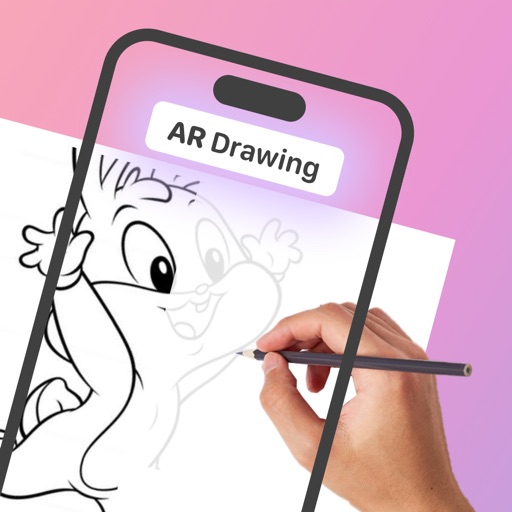
Turn real-world images into sketches using . Capture photos and apply freehand artwork with intuitive tools. Edit and refine sketches directly on the canvas. Share finished drawings via social media or email.
Create 3D pixel art and voxel art using a full-featured voxel editor and pixel art editor. Use dozens of tools and brushes for block building, including pencil, bucket fill, and magic. Share creations via photos and videos.
Create AI-generated art by typing prompts. Select from styles like realistic, anime, and 3D. Generate images instantly. Save and share artwork directly.