The app provides navigation tools for communications, operations, and outdoor planning. It includes a compass, multiple coordinate systems, weather conditions, and route calculation features.
The app plots areas on a map by adding landmark points or dropping pins. It calculates enclosed area and distances between points, with options to add interest points and photos.
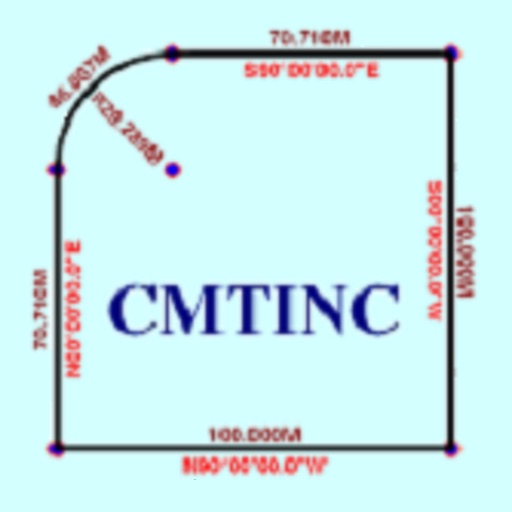
The app converts real property descriptions into boundary maps. Users enter angles and distances to draw property boundaries, displaying closure error, total area, and perimeter.
The app measures area, length, and counts features on a map. Users can insert their own images to measure over and customize layers with colors and labels.
Distances, areas, perimeters, angles, and circle parameters using photos. Define measurement planes in 3D space. Adjust for non-parallel planes. Export measurement data. Share results directly.
Calculate distances and areas using GPS coordinates. Place markers on a map to measure distances between points or total of a route. Delete markers by tapping them. Export results for further use.
Create art and cross-stitch patterns with palette selection and gridline toggle. Use eraser, drag or tap to draw, and long press to fill. Trace images and export as files. Supports cross-platform creation.
Convert units between and imperial systems. Switch between weight, length, temperature, and area measurements. Input values and receive instant conversions. Share results via copy or email.
Objects using an augmented reality camera interface. Select units like inches, feet, centimeters, or meters. Capture and save measurements. Share results via email or messaging. Sync measurements across devices.
Track speed in using units like meters per second, miles per hour, and kilometers per hour. Display speed in English or Spanish. Allow users to request additional language support.