And compress multiple photos at once to free up storage. Print photos at actual size with inch, cm, or mm measurements. Rotate, flip, and crop multiple photos simultaneously. Convert photos to JPEG, PNG, or HEIC formats and share them directly.
Create digital art with customizable brushes and layers. Adjust brush settings for pressure and flow. Use Apple Pencil for precise strokes. Save and export artwork in various formats. Import images for tracing or blending.
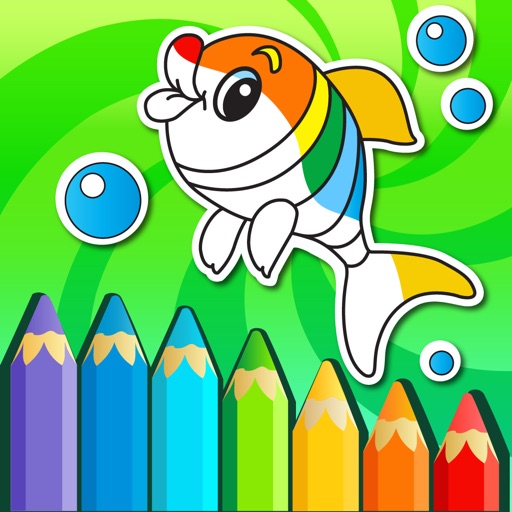
The app offers 240 levels of coloring with four drawing modes and 120 colors. It features elements highlighting and a gallery to view and save creations.
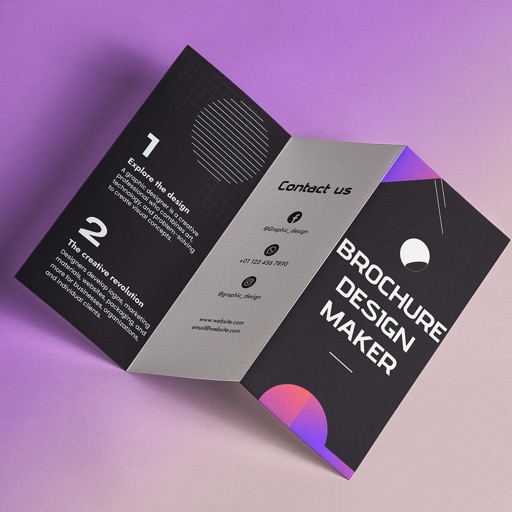
Create brochures by selecting from 2500+ templates across industries like business, travel, and education. Edit layouts, add text, images, and graphics. Export as PDF or print directly. Save and share designs.
Add to photos with customizable fonts and styles. Choose from 250+ fonts and 200+ templates. Include layers for , images, shapes, and stickers. Access a variety of stickers, icons, and quotes. Apply single color or gradient color palettes.
Create professional store screenshots for iOS. once and export all required sizes for iPhone, iPad, and tablets. Include localization, panoramic backgrounds, 3D devices, and rich text with emojis. No account required.
The app allows users to create black and white photographs with adjustable light, contrast, texture, and shape. It offers a spotlight tool and various filters to transform images into classic or modern styles.
Resize and crop images with precise aspect ratio control. Batch process multiple files for efficiency. Export in various sizes including @2x and @3x. Edit metadata and prepare images for social media or professional design use.
Create and manage palettes with support for multiple formats including HEX, RGB, HSL, and CMYK. Export colors as PNG or SVG. Save history and access a library. Organize projects and select colors from images, camera, or web.
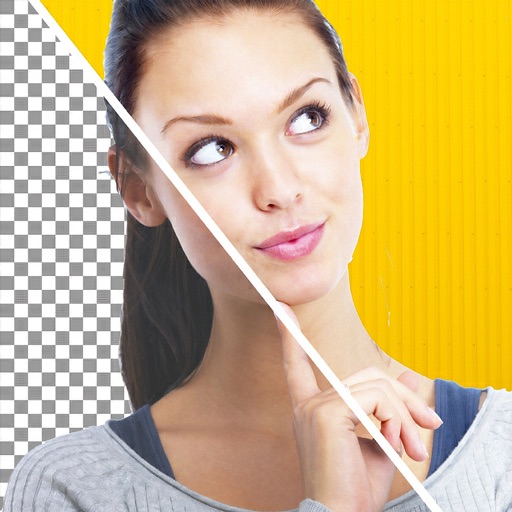
Remove backgrounds or objects using AI by adding a and tapping "remove." Adjust the new background to a custom color, white, another image, a gradient, or a preset. Add text, shapes, and photos to the edited image.