Track hours with a simple interface. Clock in and out with single-touch buttons. Pause or resume to account for breaks. Record time entries and view logs. Sync with calendar and export data. Customize time tracking settings.
Barcodes to create spreadsheets for inventory, attendance, or event tracking. Email CSV or Excel XML files from iOS devices. Share data to Google Drive and open in Google Sheets.
Track upcoming birthdays with a sorted list and calendar view. Set notifications for each birthday. Customize reminders and disable alerts for specific contacts. View age, photos, and contact details.
Track and manage counters with customizable colors and sorting options. Use hotkeys and right-click for quick actions. View counting history and total values. Set auto-reset and last change timers. Access widgets on home and lock screens.
Enter flight data by creating trips with flights, crew names, expenses, and comments. Search for flights by city, aircraft, or crewmember. View trip details and manage flight records efficiently.
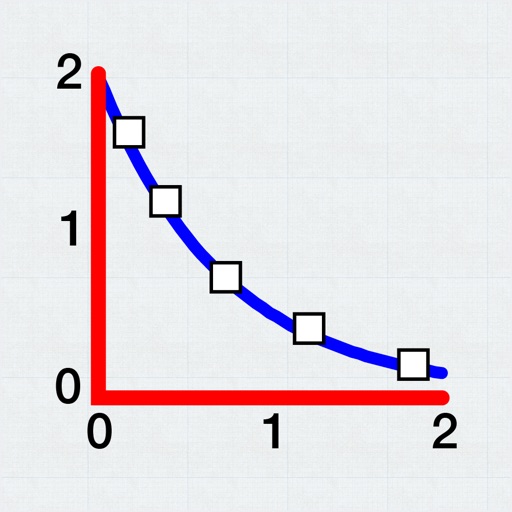
Allows users to plot and fit x, y data pairs. It supports curve fitting, value prediction, and kinetic data analysis. Data can be entered manually or imported from text or CSV files. Users can perform statistical analysis and generate graphs.
Backup, restore, and import/export contacts via iCloud. Check and merge duplicates. Add or remove country codes. Format phone numbers. Delete all contacts. Export to Excel. Share contacts. Send SMS or email to selected contacts.
Export contacts from Mac Address Book to CSV or vCard format. Select export options and save files directly. Import contacts into other devices or applications. Manage contact data efficiently without third-party tools.
And transfer using VCF and CSV formats. Export to email or cloud storage. Remove duplicates and recover lost entries. Sync between devices securely. Share contact files directly with others.
Print multiple photos on a single page by selecting images and defining individual print sizes in millimeters, centimeters, or inches. Choose a printer and start the process.