Learn sketching by tracing lines from images using augmented reality. Adjust brightness, bitmap, and rotation settings. Lock screen and start tracing. Share completed sketches. Sync with device camera for real-time drawing.
Convert photos to art with a single tap. Create and edit art using intuitive tools. Adjust color palettes and resize artwork. Save and share creations in multiple formats.
Create and customize artwork with various brushes and tools. Save paintings to a personal gallery. Share completed artwork via email or social media. Add stickers, text, and frames to designs. Display favorite images on home screen widgets.
Convert raster images (JPEG or PNG) to high-quality (SVG) format. Choose between Two-Tone for contrast or Colorful for vibrant output. Adjust settings for precise control. Export as SVG for use in design projects.
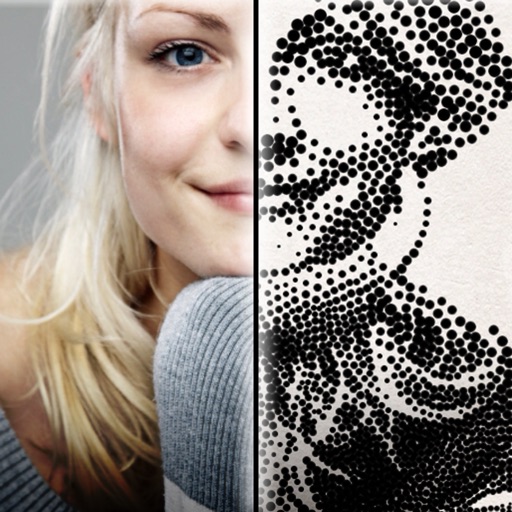
The app creates customized professional stipple drawings from photos using easy editing tools. Users can adjust contrast, brightness, and the number of dots to transform photos into unique works of art.
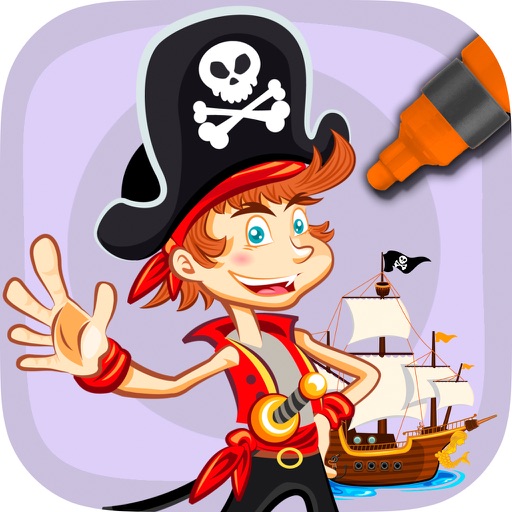
Kids can pirate-themed images using finger painting techniques. They can mix colors and choose from a wide palette of crayons. The includes educational elements for preschool and kindergarten-aged children.
The app offers a simple and clean interface with intuitive tools for pixel art creation. It features freehand drawing, lines, boxes, ellipses, and flood-fill, along with gesture controls for precise editing.
Children can color and draw using a variety of tools and color options. Features include creative drawing, fine motor skill development, and interactive elements to encourage imagination. The functions offline without WiFi and includes no ads.