Create notes and documents by hand with AI-powered recognition. Draw, sketch, and annotate PDFs on an expandable canvas. Convert to text and create diagrams with intuitive gestures. Organize content with layers and embed images.
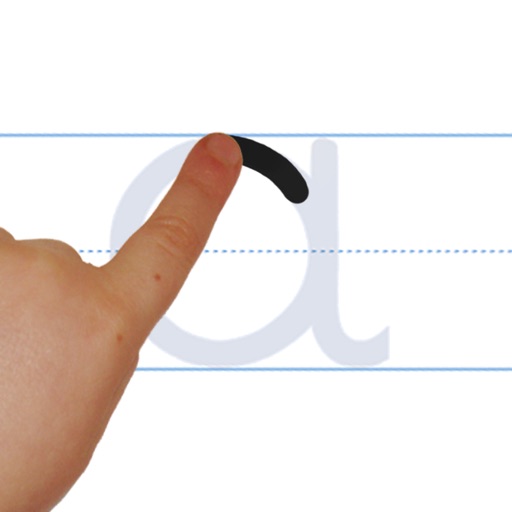
The app helps children learn to write letters, numbers, words, and shapes through guided tracing and repetition. It adapts to each child's pace, building confidence and strong handwriting habits for classroom or home learning.
Practice addition, subtraction, multiplication, and division with interactive exercises. Solve problems using natural handwriting input. Adjust difficulty based on skill level. Earn rewards and bonuses to stay motivated.
The app teaches toddlers and preschoolers alphabet tracing and word spelling. It includes interactive animations and sound effects to help children learn phonics and word formation.
And practice drawing pencil sketches on paper. Select and customize drawing tools. Follow guided tutorials to improve techniques. Save and review artwork progress. Adjust brush settings for different strokes. Share completed drawings digitally.
Practice in multiple languages with interactive lessons and worksheets. Learn calligraphy, , and print writing. Correct letter formation for children and refine skills for adults. Track progress and access various writing styles and exercises.
Create handwritten notes and drawings with customizable brushes and erasers. Use vector tools for precise shapes and annotations. Add text, highlights, and special line effects. Save and organize digital sketches and journal entries.
Create poster or template collages with up to 20 photos or videos. Add text to images or videos. Edit photos with filters, cropping, and adjustments. Enhance visuals with artistic text overlays. Export collages in multiple formats.
Create and annotate digital content. Record instructional videos and share with students. Collaborate by having students explain concepts and create content. Store lessons securely in an online account for access anytime.
The app teaches toddlers and preschoolers alphabet tracing and word spelling. It includes uppercase and lowercase letters, numbers 1-10, and 24 geometric shapes for learning.
Teaches through guided tracing exercises. Includes letter and number practice with adjustable difficulty. Tracks progress with interactive lessons. Offers printable worksheets and audio feedback.
And with tracing guides and step-by-step tutorials. Choose from various fonts and styles. Trace letters, letters, and symbols. Access inspirational quotes and decorative elements. Use a high-tech tracing projector for guidance.
By tracing individual letters, full alphabets, or complete words. Customize fonts and lettering styles. Use templates for hand lettering and writing. Export traced work for further use.
Help the chicken collect gems to learn shapes and colors. Complete word puzzles by adding missing letters to practice spelling. Navigate levels with obstacles to improve focus and problem-solving skills.