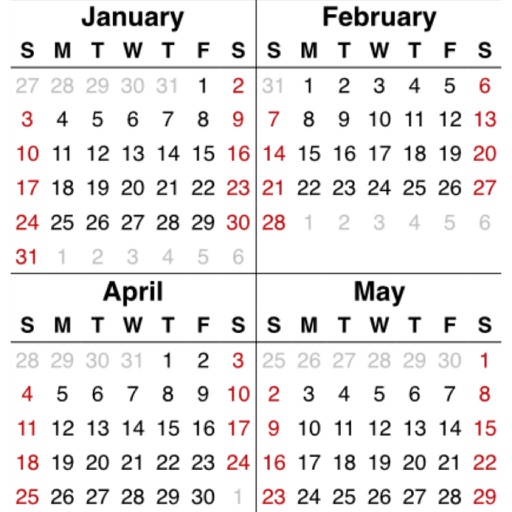
YearViewer
Gerard Putter
Calendar overview for any year.
The app displays a calendar overview for any selected year. Users can zoom using pinch gestures and select any year using the time machine button.

Showing 161–180 of 1,000 ranked alternatives.
Gerard Putter
Calendar overview for any year.
The app displays a calendar overview for any selected year. Users can zoom using pinch gestures and select any year using the time machine button.

AppDash LLC
Edit PDFs, annotate, and share documents
Mark PDFs with highlights, underlines, and strikethroughs. Customize colors for annotations. Add text, shapes, and notes. Export edited files in PDF format. Share documents directly or save to cloud storage.

Alex Gameli Heyman
Translate and edit PDFs instantly
Translate and edit PDFs, images, , Excel, and PowerPoint files. Merge multilingual documents into a single language. Choose between Google and Microsoft translation engines. Preserve formatting during translation.

Jumsoft
Design documents with editable templates
Create professional documents with editable templates, layouts, and assets. Design resumes, CVs, reports, and presentations. Customize formatting, add graphics, and adjust layouts. Save and export in format.

RootRise Technologies Private Limited
Open Microsoft files on iPhone and iPad
Open and read Microsoft documents (.wps, .wks, .xlr) on iOS devices. View document outlines, page thumbnails, and search text within files. Supports email attachments and provides a straightforward way to access files without additional software.

Bogdanel Gherasim
Organize ideas and tasks in a map
Jot down notes, images, links, or tasks in a map. Organize ideas into structured outlines or visual maps. Rearrange, edit, merge, or highlight content with gestures. Switch between views for different workflows.




媛燕 罗
Plan your week, track tasks, organize notes
View weekly plans in a calendar layout with drag-and-drop task management. Track todo lists with progress and completion time. Organize notes, ideas, and bucket lists in one interface. Switch between todo, doing, and done sections for task tracking.


Jebin Joseph
Drag events, swipe to reschedule, sync tasks
Manage events by dragging and dropping to adjust start times or swipe to unschedule/reschedule. Link tasks from a to the . View daily, weekly, or monthly views. Set reminders and track progress with visual indicators.
Apps are ranked by functional similarity, category fit, rating confidence, and popularity.