
iPhone Screenshots


Description
Terms of Use: https://www.apple.com/legal/internet-services/itunes/dev/stdeula/
Privacy Policy: http://egitimyazilim.com/privacypolicy/kelebek/privacy_policy_android_ios.html
- ABOUT -
* Designed for exams that schools take jointly in more than one class
- HOW TO USE -
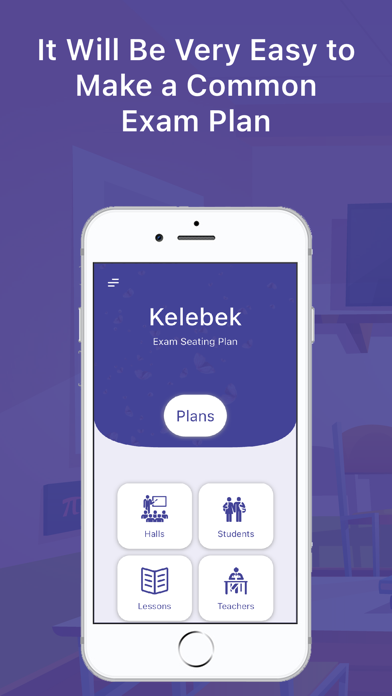
When you want to create a new plan, just click on the classes and halls and press the OK button. Seating plan is created instantly
- FOLLOW US -
* Web : www.egitimyazilim.com
* Help Videos : https://www.youtube.com/playlist?list=PLupkXgJvxV-K8iDrMAwyteG5H9tQcyky0
* Instagram : https://instagram.com/egitim_yazilim
* Facebook : https://facebook.com/egitimyazilimlari
* Telegram : https://t.me/egitimyazilimlari
* Twitter : https://twitter.com/egitim_yazilim
* Email: [email protected]
- HELP -
You can send a message from the help tab under the left menu on the main screen in the application to convey any of your opinions and suggestions or ask a question.
- PAID FEATURES -
All processes of the application can be used free of charge. In free use, seating plan reports are created in half. All features are unlimited in paid use.
available
- FEATURES -
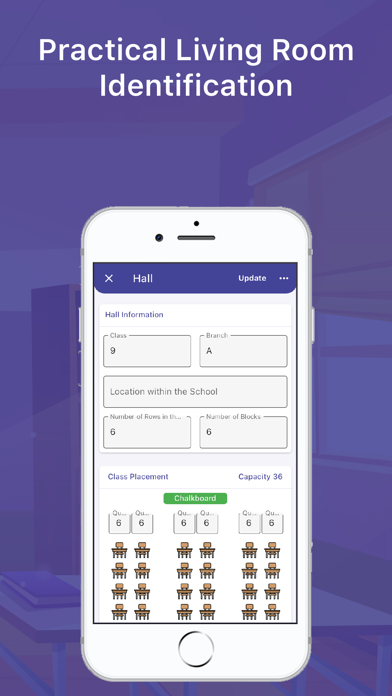
* Hall seating arrangement can be created in blocks with different numbers of single or double rows
* Students can be automatically transferred to the application via excel
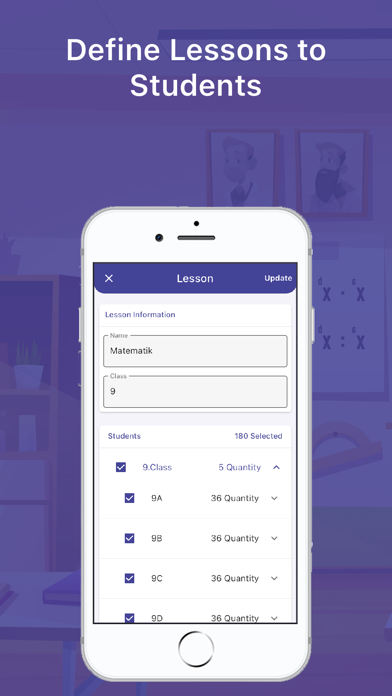
* Students can be added by selecting all their courses
* You can add classes based on class
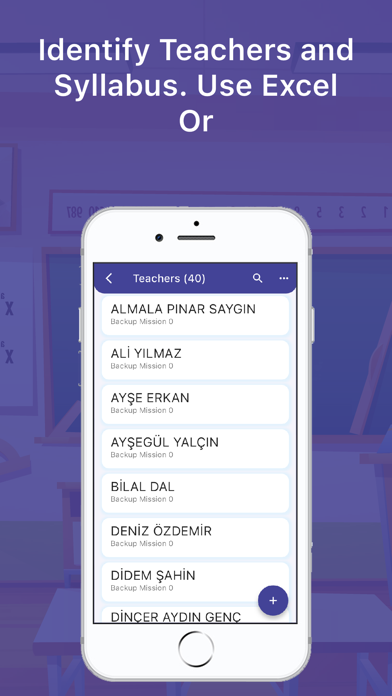
* You can add teachers in bulk via excel
* You can change the teachers' syllabus within the app
* You can choose as many courses and halls as you want when creating a seating plan
* You can appoint the teacher you want as the supervisor in the hall you want.
* You can place students at the teacher desks in the halls
* You can add warnings to the seating plans for students with special conditions.
* You can fix students with physical difficulties to their own classes
* You can place the supervisors in the halls randomly or according to the syllabus
* You can create the seating plans by optionally selecting the student number, name, surname, class, photo, course name fields.
* You can create all the seating plans and export them all at once.
* You can backup your data and restore it to the app at any time
- REPORTS TO VIEW -
* Seating Plan - Student View
* Seating Plan - Teacher's Perspective
* Halls where students will take the exam
* Exam Hall Student Attendance Schedule
* Teacher Task List
* Number of Students in the Courses