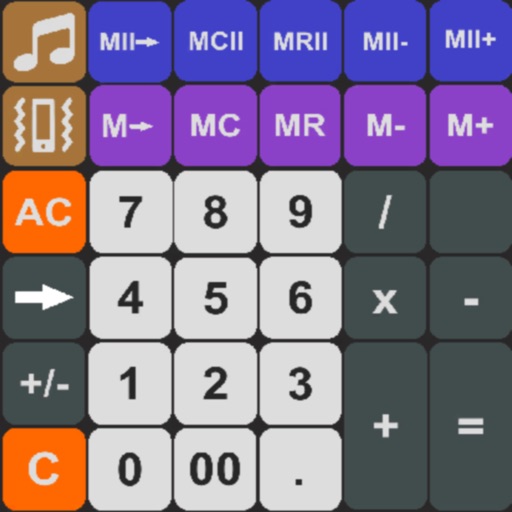
Perform calculations and copy results to the clipboard. Use memory buttons to store and reuse values. Convert units, calculate debt with amortization schedules, and access current currency rates.
Perform calculations with a standard featuring extra-large buttons and functions like delete, x², √, and %. Use a scientific with 30 advanced functions. Convert units, calculate loans, and determine tips.
Perform calculations with a clean interface. Store and reuse numbers using the Memory Area. Bookmark equations for quick access. Drag and drop values between calculations. Switch between scientific and basic modes. Export results as text or image.
Solve mathematical problems with fraction, decimal, and equation input. Display results in decimal, rational, , or trigonometric formats. Support up to 16 decimal places for precise calculations.
Calculate with a dual-line display showing input and result simultaneously. Use percentage and backspace functions. Switch between 18 color themes. Enter multi-line equations. Automatically format scientific expressions.
The app provides standard scientific functions like roots, powers, and logarithms. It also includes features such as graph drawing, multiple memory blocks, constants, notes, and a history log.
Solve right-angled triangles by inputting known sides or angles. View step-by-step calculations and a scale drawing of the triangle. Access basic trigonometric formulae. Enter angles in radians, decimal degrees, or degrees, minutes, seconds.
Perform calculations using reverse Polish notation. Swipe to undo or redo operations. Access a 100-entry stack and 6 memory buttons. View large, easy-to-read displays. Save state on exit. Supports scientific functions and multiple undo/redo levels.
Perform complex calculations with root, power, trigonometric, and logarithmic functions. Calculate factorials and double factorials. Draw graphs, use four memory blocks, insert constants, and make notes.
Perform complex calculations with a sleek interface. Store and recall values using memory function. Review calculation history for accuracy. Switch between scientific and basic modes. Adjust display settings for clarity.
The app offers four distinct calculator tabs, each with a unique color. It allows users to perform calculations, plot graphs, and solve equations without clearing previous results.
Perform calculations with a running total and real-world logic. Handle cost, sell, and margin computations. Add or subtract percentages in one step. Features large buttons and a clear display for easy use.
Manage budgets, mortgages, and loans with compound interest and tip calculations. Use speech voice for accessible feedback. Keep equation history, view real-time results, and export data to email or CSV.
& Math Tools • Classic with basic and advanced functions • Financial tools for loan payments and savings planning • Unit conversion for measurements and currencies • Tip calculation and percentage functions • Offline use without internet