Control devices via infrared signals and network commands. Send keystrokes to computers. Adjust volume and media playback. Manage smart home devices. Create custom layouts. Sync with Server for advanced setup.
Control TV with full functionality. Access default channels via a system tab. Connect iOS device and TV to the same Wi-Fi network. Adjust volume, navigate menus, and select channels. Manage playback and input sources.
Control TV apps by opening, uninstalling, disabling, enabling, and downloading APKs. Manage permissions. Use built-in file manager to transfer files. Take screenshots or record screen activity. Requires USB/network debugging on Android.
The app provides remote control for HD Station on a QNAP NAS. It allows users to manage music, pictures, and videos from a mobile device, replacing the need for a physical remote, keyboard, or mouse.
TV channels and adjust volume directly from a mobile device. Use touchpad and numpad for navigation. Replace traditional functionality for easier TV management.
The app provides remote network monitoring and management for various systems including VMware, Windows, and AWS. It offers features like server dashboards, downtime notifications, and management of users, virtual machines, and services.
The app allows an iPhone, iPad, or iPod touch to function as a wireless keyboard and trackpad for a Raspberry Pi. It sends keystrokes and mouse events over a network, enabling control for browsing, text editing, and programming.
Control your Smart TV with a that allows turning it on and off. Use a built-in keyboard for typing on the TV. Navigate with a trackpad support for precise movement.
Control your TV and streaming devices from your iPhone. Adjust volume, navigate menus, launch apps, and switch channels. Pair quickly for full remote functionality without needing a physical remote.
Type words with an intuitive keypad that provides automatic suggestions. Write messages, stories, and social media posts in . Support for email and document input. Includes a built-in for language conversion.
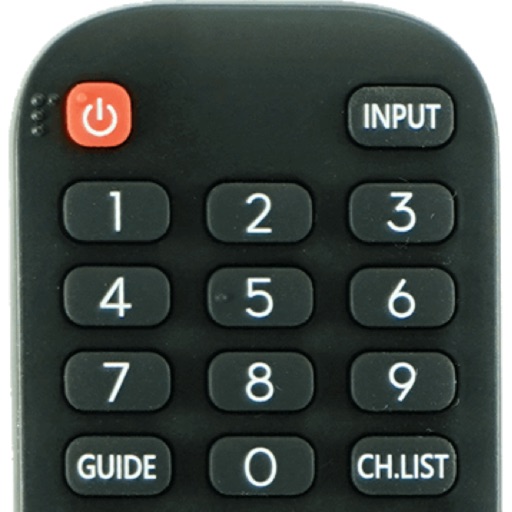
Devices with preloaded models including EN3V39H, 55H6E, and 55R6000E. Access saved profiles for quick use. Navigate with a fast touch pad and keyboard. Use a clean interface to manage device functions without installation.
Control On-Air presentations by pausing, playing, or following along. View notes during presentations. Preview slides and video service items. Cast content to TV or projector via AirPlay/Chromecast. Sync with desktop for real-time access.
Type letters and words with an intuitive layout. Get word suggestions as you type. Switch between Cyrillic and Latin characters. Customize key placements for easier input. Support multiple input methods for writing in .
Monitor network traffic and manage devices remotely
Monitor network devices with real-time traffic data and multi-device management. Retrieve live data every 3 seconds. Group devices by labels and search by name or host. Securely access and manage files via SSH and SFTP.