RokCon: Remote Control Roku TV
Switch channels, volume, manage playlists
Jan Dutton
iPhone Screenshots
Description
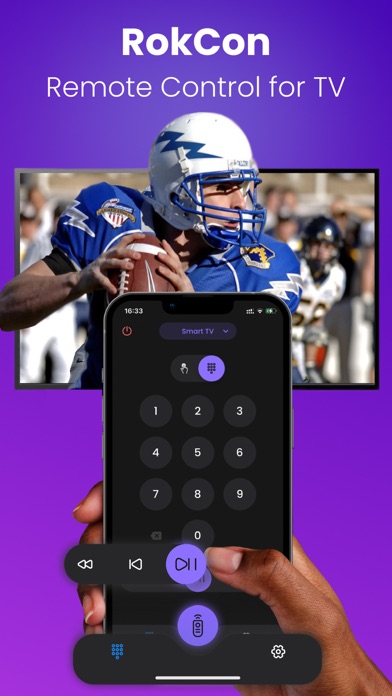
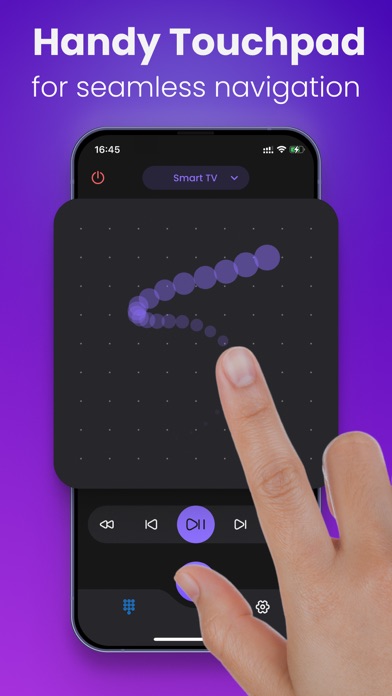
TV channels and adjust volume directly from a mobile device. Use touchpad and numpad for navigation. Replace traditional functionality for easier TV management.
Introducing RokCon: Remote Control for TV, the ultimate mobile app designed to enhance your Smart TV experience without the need for an additional remote control. Seamlessly navigate your TV with an array of features for effortless control.
Key Features:
- Channel Switching: Effortlessly toggle between your favorite TV channels.
- Volume Control: Adjust the volume levels with ease, all from the convenience of your mobile device.
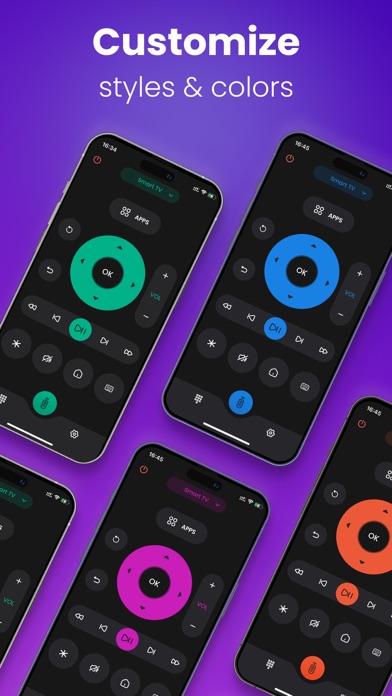
- Touchpad and Numpad: Use intuitive touchpad and numpad controls for a more interactive TV experience.
- App Integration: Directly access popular apps like YouTube, Netflix, Disney+, and more, right from your mobile device.
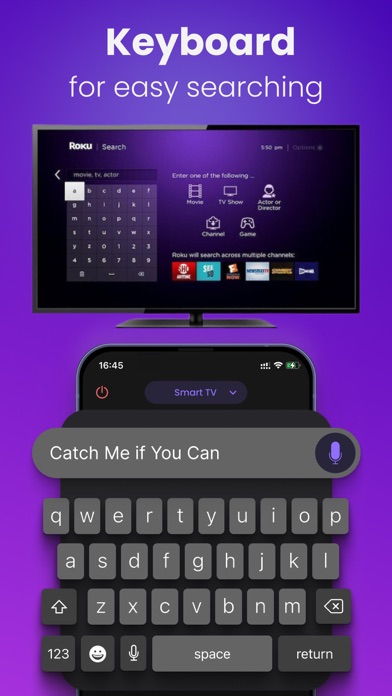
- Search Input: Simplify text input with your phone's keyboard for quick and easy searches.
- TV Power Off: Turn off your Smart TV seamlessly using the app.
RokCon ensures a user-friendly interface, bringing together the functionality you need for a complete TV remote control experience. Experience the convenience of controlling your Smart TV.
Quick Tips:
- Ensure both your iPhone and TV are connected to the same Wi-Fi network for seamless functionality.
- For any connectivity issues, try reinstalling RokCon.
For support or inquiries, contact us at [email protected]. Upgrade your TV control experience with RokCon: Remote Control for TV today!
Privacy Policy: https://docs.google.com/document/d/1LluTPAsNquRbsJ_0AYE-WtEefqTII_Jh-pAQhL3q2xU/edit?usp=sharing
EULA: https://docs.google.com/document/d/1hwvfOem45xJP_JwVgv_3seuEMG27r4ii3PluN5ClWmQ/edit?usp=sharing