View and interact with 360° photos and videos using gyroscope controls. Edit spherical content, adjust settings, and share directly. Supports equirectangular files from various 360 cameras and stitched panoramas. Export and view on Apple TV.
Convert videos and pictures into panoramic 180° or 360° formats for VR viewing. Enable automatic background removal and playback in mixed reality. Adjust view frame size and spacing. Control with Bluetooth handles, mice, or buttonless triggers.
View and edit metadata for photos, including GPS location and geotagging. Remove data from images. Access metadata from iOS devices, Photo Stream, or iCloud. Sync across all iOS devices with a single purchase.
Record screen to create scrollshots without taking multiple screenshots. Stitch screenshots together to view long content. Edit and annotate stitched images. Share or save final compositions.
Capture 360° photos and videos using a compatible camera. View and playback spherical media on a smartphone. Share images and videos via social media or email. Edit and adjust settings for recorded content.
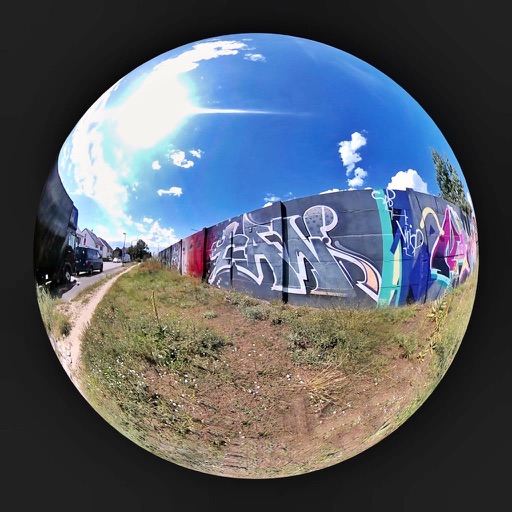
Browse and select images from global locations. Zoom and rotate photos. Save images to your album. Access virtual 360° panoramas of Berliner Walls. All content is royalty-free and requires an internet connection.
Watch 360° panoramic, 180° VR, and 3D videos in stereo formats. Supports 2D to 3D conversion and multiple 3D scene modes. Play videos in various formats including m4v, mp4, mkv, and avi.
Resize and crop images for specific dimensions and resolutions. Adjust colors and metadata accurately. Batch process multiple files with customizable workflows. Export in various formats for social media, printing, or projects.
Edit photos with filters, contrast, brightness, and color adjustments. Add text, stickers, and drawing tools. Customize images and landscapes. Export in high quality. Access a free image library. Apply advanced editing features.
Capture photos and videos from a rotating 360-degree camera. Edit images with basic tools. Share content directly to social media. Sync with compatible photo booths for seamless integration. View and manage media in a gallery.
Monitor home security with live video streaming and two-way audio. Receive alerts for motion or sound. Control smart devices remotely. View historical footage and manage user access.
The app allows users to view QuickTime VR files, including objects and 360° equirectangular images. Users can import and export panos from iOS and keep a collection of full-resolution images on their device.
Edit photo including GPS location, date, and time. Remove all to protect privacy. View and modify data with a simple, modern interface. Export edited photos without .