Draw lines by turning dials or using directional buttons. Choose colors and line widths. Shake device to erase drawings. Create simple sketches in a retro style.
by SEOK HO JEON★ 0.00 ratingsGraphics & DesignFreeData updated 2026-09-06
Draw and paint using glowing colors. Use photos as backgrounds or create from scratch. Save artwork to camera roll. Share via email, message, Facebook, or Twitter. Access multiple undo levels. Learn color theory through interactive features.
Use AR to draw on real surfaces by outlines. Share drawings with others. Learn techniques through interactive lessons. Practice new skills in a realistic environment. Export artwork in various formats.
Create and edit drawings with over 20 colors and adjustable brush sizes. Save drawings and their creation process in a built-in gallery. Replay or resume drawings at any time. Draw on iPhone, iPad, or iPod Touch.
Create art with step-by-step drawing guides. Choose from categories like freestyle, hip-hop, and old-school. View styles in list or grid format. Save and share completed artwork. Adjust colors and brush sizes for customization.
Sketch directly on the screen with pressure-sensitive tools. Adjust brush size and opacity. Rotate, resize, and move drawings. Save and share artwork in various formats. Export as vector or raster files.
Sketch and draw using the ® with step-by-step guidance. Learn to write with interactive lessons for all skill levels. Export drawings and access tutorial videos for practice.
360 COMPANY BILISIM TEKNOLOJILERI REKLAMCILIK MEDIKAL TURIZM SANAYI VE TICARET LTD STI
Draw with AR and AI to create
Draw on real-world surfaces using augmented reality. Trace and with AI-powered tools. Edit and refine drawings with color, brush size, and opacity controls. Share creations directly from the .
Create still or animated drawings that flow and evolve. Use generative brushes for natural, responsive sketching. Design fluid artwork for backgrounds or sharing. Adjust brush settings for precise control. Export drawings in various formats.
Create drawings using AR tools, trace real-world objects in real-time, and convert photos into sketches. Access a library of templates for design projects. Share artwork directly from the .
Create digital with pressure-sensitive strokes. Adjust pen pressure for varying line widths. Choose from multiple brush styles and ink colors. Save and share artwork directly. Import custom fonts and templates. Export in various file formats.
Teach bathroom habits through interactive games. Encourage creativity with customizable stickers and story creation. Develop math skills with simple calculation exercises. Include a painting tool for artistic expression.
Children can chat with ’s elves to write letters or draw pictures to . Choose from elves like Sparky, Minty, Ribbon, or Bubbles. messages or drawings directly to .
Move fingers to draw lines and guide balls to targets. Play in 3D platform levels with varied backgrounds and music. Use game controllers. No internet required. Levels increase in difficulty. Supports single player mode.
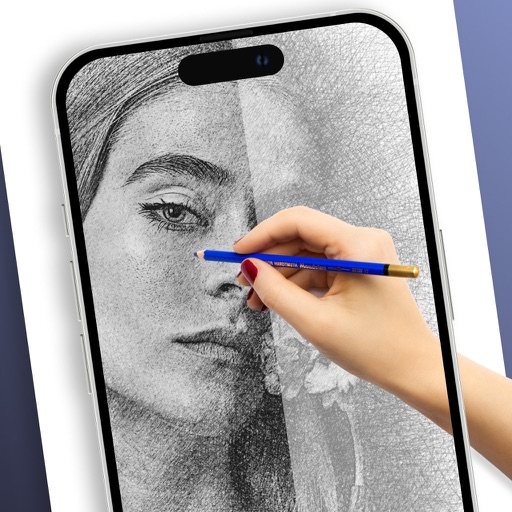
Create and facial sketches using detailed geometric models. Analyze face structure from basic shapes to complex forms. Practice with 25 models, including 2 free. Refine sketches with layered tools and adjust proportions.
Plus Apps Bilisim Teknolojileri Reklamcilik Limited Sirketi
Sketches with AR technology
To sketches using AR technology. Choose from various categories to practice. Follow step-by-step instructions to improve techniques. and paint directly on the screen. View animated tutorials for guidance. Save and review your artwork.
Create frame-by-frame animations using drawing tools. Share animations with a community. Participate in themed contests. Export animations in multiple formats. Sync with flipbook style playback. Collaborate with other creators.
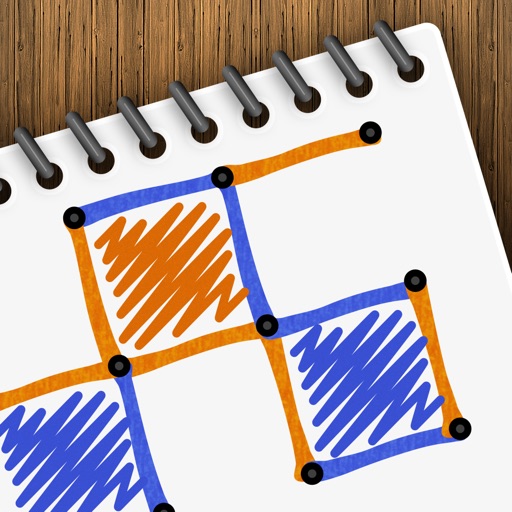
Play a turn-based strategy game by connecting to form . Take turns drawing lines between grid points. Earn points for each box completed. Compete against another player or AI opponent. Customize game settings and track scores.
Complete the by finishing the mirrored half around the line of . Use tools to add details. Save and share completed artwork. Practice and fine motor skills.
Sketch and create drawings using brush tools with customizable color palettes. Add stickers, doodles, and charms to enhance artwork. Export and share finished creations in multiple formats.