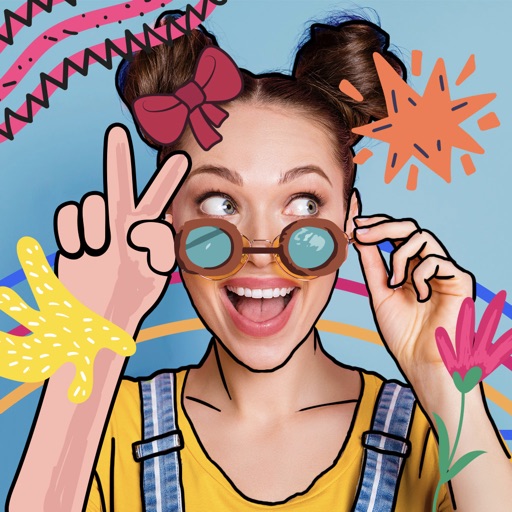
Create drawings on a blank canvas and refine them with AI to generate detailed, stylized images. Share finished artwork directly from the . Add text and stickers to drawings. Export in various formats and share via social media or email.
by Brendan Teo★ 5.06 ratingsEntertainmentFreeData updated 2026-09-06
Send text as images or stickers. Choose from various font styles, adjust text color and size. Use giant emojis or create custom stickers. Reuse stickers in conversations. Share formatted text with others.
The app offers photo editing tools to adjust brightness, contrast, and saturation. Users can express creativity with brushes, stickers, and text options, and enhance images with layering capabilities.
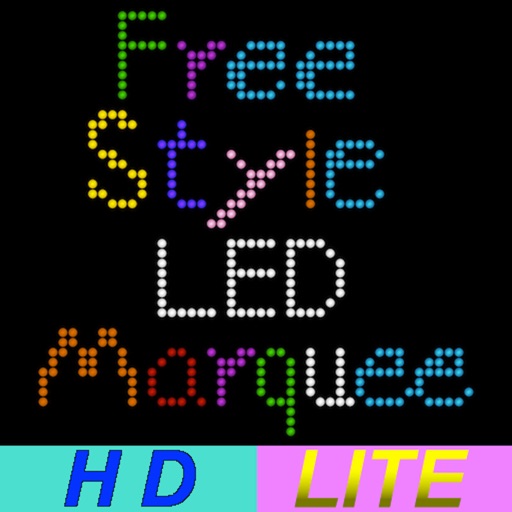
The app allows users to draw via LED freely. Users can set LED color, canvas length, move direction, move speed, gap width, blink frequency, and background color.
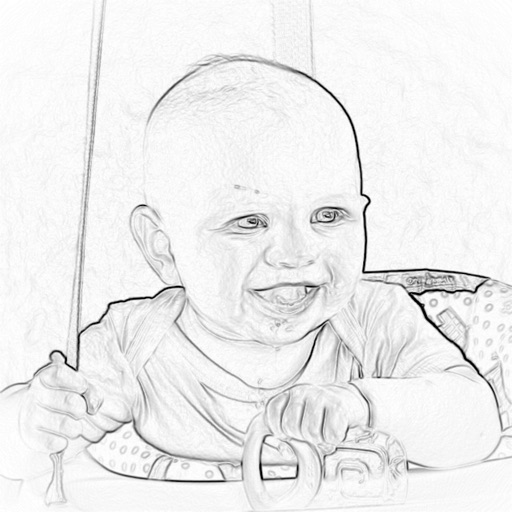
The app converts photos into pencil sketches. Users can take a new picture or select an existing photo to transform into a sketch and share with friends.
Add friends to your home screen to view their updates in real-time. Send live photos, memes, or custom drawings instantly. Share mood updates directly to their home screens.
Create visual art by transforming gestures into dynamic patterns. Adjust colors, shapes, and motion with intuitive controls. Sync animations to music for synchronized visuals. Save or share creations as digital artworks.