Create drawings on a blank canvas and refine them with AI to generate detailed, stylized images. Share finished artwork directly from the . Add text and stickers to drawings. Export in various formats and share via social media or email.
by Brendan Teo★ 5.06 ratingsEntertainmentFreeData updated 2026-09-06
Create artwork using brushes, futuristic backgrounds, and glowing stickers. or paint with finger swipes. Add text and notes with the text editor. Apply effects to photos and over them. Save and share edited images.
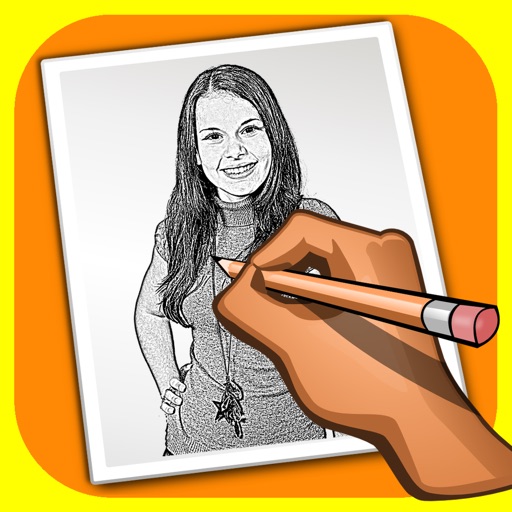
The app transforms user photos into pencil drawings with a sketch shine effect. Users can apply this filter to images captured with the device's camera.
To popular cartoon characters from comics, TV shows, and movies. Follow step-by-step tutorials to practice sketching and shading. Adjust proportions using a framework guide. Save and share your artwork.
Create abstract art by drawing shapes that auto-connect and fill with random procedural patterns. Use Auto Draw to generate unique compositions in real time. Watch animations transform your artwork into kaleidoscopic designs.
Create and customize doodles using pre-designed patterns. Draw on a virtual canvas, select from various templates, and complete your own artwork. Save and share finished creations.
Color pictures with a variety of tools and colors. Draw on blank pages with easy zoom. Replay videos of drawing sessions. Access a collection of funny and realistic images for and sketching.
The app provides a blank canvas for children to paint with random brush sizes and colors. Users can set the background color, use photos as backgrounds, and access unlimited undo functionality.