Create drawings on a blank canvas and refine them with AI to generate detailed, stylized images. Share finished artwork directly from the . Add text and stickers to drawings. Export in various formats and share via social media or email.
by Brendan Teo★ 5.06 ratingsEntertainmentFreeData updated 2026-09-06
Create and edit drawing tools and photo additions. Paint on images finger input. Move, rotate, and scale added . Save and share creations via social media apps. Offers a simple interface for note-taking and visual projects.
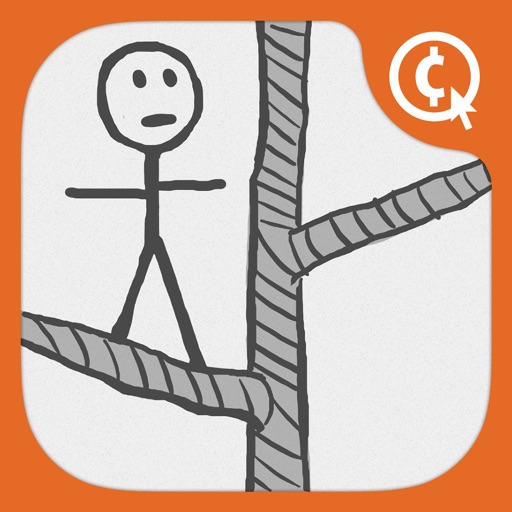
The app presents a rescue mission to save friends, featuring tigers, beavers, and elevators. Users can share their Stickman creations with others through social media and email.
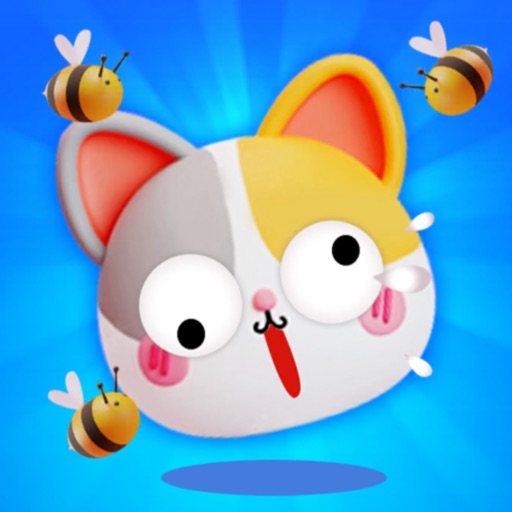
Create walls by drawing lines to protect a cat from bees. Adjust line thickness and color. Tap to remove walls. Complete levels by guiding the cat to safety. Track progress through multiple stages.
Edit photos with filters, , and cropping tools. Add text, stickers, and borders. Adjust brightness, contrast, and saturation. Export in various formats and share directly.
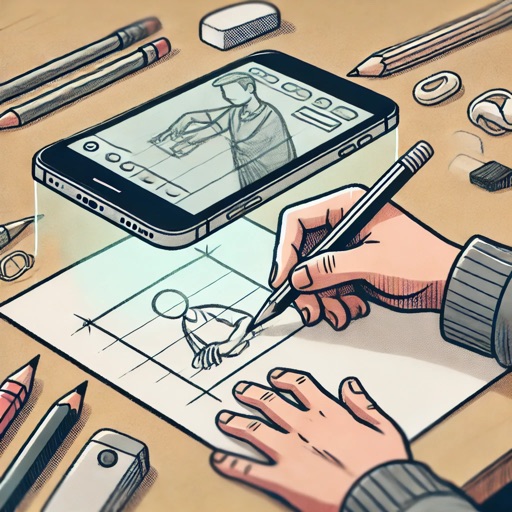
Create drawings and paintings using augmented reality. Project images onto paper and trace them. Choose from diverse patterns and motifs. Color directly on the projected image. Save and share completed artwork.
Capture daily moments with photos and notes. Reflect on experiences and choose a genre to generate stylized narratives. Convert entries into visual storybook chapters with text and images. Customize story themes like fantasy, romance, or thriller.
Create digital art using AI by entering descriptive prompts and selecting art styles. Generate unique images based on text input. Choose from various AI-powered art styles to customize the output. Export and share the generated artwork.
Create art using AI-generated visuals based on text prompts. Adjust colors, styles, and compositions. Save and share . Collaborate with others on creative projects. Export in various image formats.
Create and edit vector drawings and illustrations. Import and export files from cloud services. Design logos, posters, and technical drawings. Use multiple windows on iPadOS. Enable dark mode for system settings.
The app provides step-by-step drawing lessons for various subjects like animals, cartoons, and anime. It also includes coloring pages with an online catalog for users to paint images.
The app provides users with the ability to draw on their device. Users can select from over 16 million colors with RGB selection and adjust brush thickness and color transparency.
Create custom images by adding photos as backgrounds. Touch to draw dots and customize designs. Save creations and share via social media or messaging.