Create images from text or existing photos using AI. Convert images into various styles. rtistic or realistic visuals based on simple descriptions. Edit and export resulting images in different formats.
by Aqsa Muhammad Shahbaz★ 4.913 ratingsUtilitiesFreeData updated 2026-09-06
AI-powered content creation generates captions from keywords. Integrate AI-generated images to enhance posts. Select tone and content goals to tailor messages. Export content directly to platforms.
Analyze colors from images or websites. Convert values between formats. Create and edit palettes. Share palettes with others. Customize interfaces for iPhone and iPad.
Edit photos by selecting from the gallery or capturing with the camera. Apply multiple and effects. Adjust position, size, and angle. Save, share, or upload images to social media platforms like Facebook, Twitter, or email.
Upload a photo to generate an AI-generated character in chosen styles like anime, pixel art, or detailed action figures. Customize appearance and details. Export and share the created .
Convert images between formats including , PNG, PDF, GIF, and HEIC. Compress file sizes to reduce weight. Save and share converted files directly. Adjust quality and resolution settings.
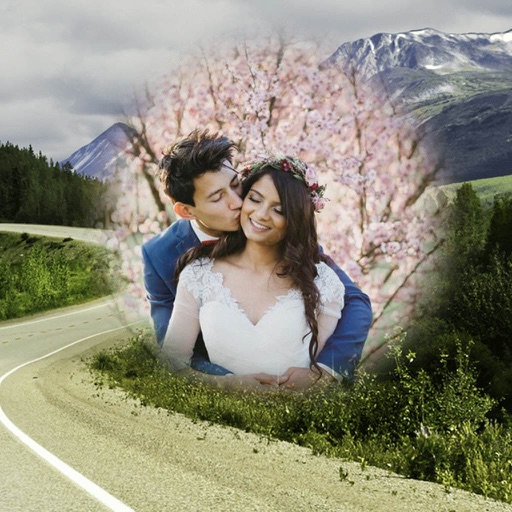
Add borders to photos or videos using customizable templates or emoji . Apply trendy to images and videos. Edit and share content directly to social media platforms.
Convert with customizable settings. Adjust volume, speed, and pitch. Add background music with fade-in/out. Choose speaker emotions and tone for different roles. Insert pauses and set style intensity. Use ready-made templates for quick voiceovers.
Photos to reduce file size. Adjust compression level for quality control. Export compressed images in various formats. Share directly from the . Maintain visual clarity during compression.
Create and animate 3D sculptures in real space using AR. Manipulate colorful ribbons with gestures to shape dynamic elements. Overlay creations on real-world scenes via camera. Share interactive art directly from the .
Capture full webpages for documentation or reviews.
The app captures full screen webpages without popovers, chrome, or watermarks. It saves images to the photo library and shares them with other apps, cloud drives, email, or Airdrop.
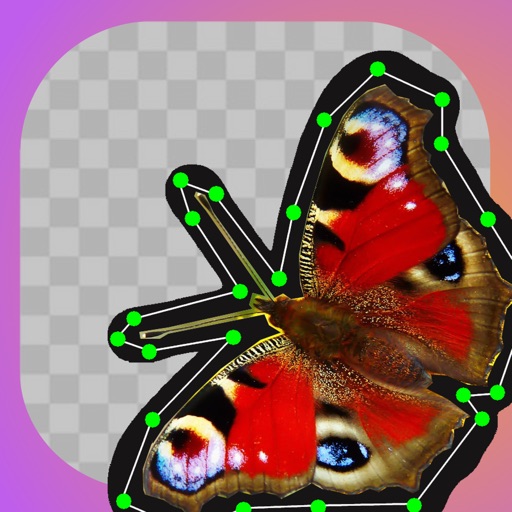
Images while maintaining quality and proportions. Use AI to extend and fill gaps in photos. Adjust resolution and aspect ratio. Export edited images in various formats.
Full-screen text display with portrait and landscape support. Save multiple messages. Smart word wrapping adjusts text layout. Reorder messages by dragging. Edit messages with double tap. Share messages as images.