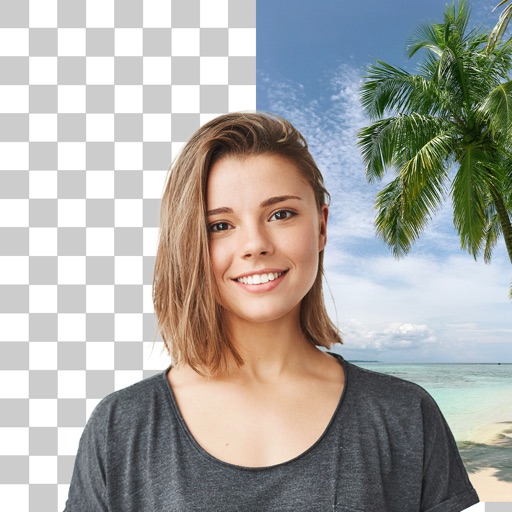
Remove unwanted objects or text from videos using AI-driven tools. Draw a circle around the object at any frame to track and erase it. Clean up backgrounds, eliminate distractions, and fix visual noise for natural-looking results.
by Le Giang Nam★ 5.07 ratingsPhoto & Video$5.99Data updated 2026-09-06
Remove unwanted elements from photos by erasing objects, people, text, logos, blemishes, or backgrounds. AI detects and removes specified items. Adjust custom controls to refine results. Maintain natural visual harmony.
And videos to obscure specific areas or entire footage. Adjust shapes, trace with finger, or auto- faces and cars. Process audio and change speed. Create fluffy effects.
Edit photos with cropping, filters, and adjustments. Remove unwanted objects or people using the Magic tool. Replace backgrounds to create montages. Create collages with pre-designed templates. Export edited photos in multiple formats.
Edit photos by removing unwanted elements like , skin blemishes, buildings, and lines using AI technology. Crop images and videos with high quality. Eliminate dark spots and acne from faces or bodies. Adjust and enhance images for a polished look.
AI improves quality, fixes lighting, and sharpens details. AI Unblur converts pixelated or blurry images into clear high-resolution photos. Users can upload photos and apply AI-powered enhancements to restore old memories or refine portraits.
Remove unwanted objects and people from photos with a few taps. Edit skin imions and blemishes for a smooth, natural look. Use AI-powered tools to enhance images without internet access.
Create AI-generated images, avatars, and logos from text or photos. Edit photos with advanced tools. Redesign home interiors using AI. vatars from uploaded images. Transform ideas into visuals with AI-powered design features.
Edit photos with layers, filters, and brushes. Adjust brightness, contrast, and color. Add text and stickers. Export in multiple formats and share directly.
Edit photos using AI-powered tools for instant transformations. Remove objects from images automatically. Adjust colors, brightness, and contrast with advanced settings. Apply filters and effects for creative enhancements.